Give every email an owner
Assign conversations and keep open requests visible, so the next step does not disappear into a personal inbox.

Give every customer email an owner. Helpmonks brings support, sales, and operations into shared inboxes with private notes, reply collision alerts, and visible follow-ups. Keep your team coordinated with unlimited users on every plan.
Stop forwarding customer emails and guessing who will respond. Bring support@, sales@, and billing@ into shared team queues, with clear ownership and conversation history.
Assign conversations and keep open requests visible, so the next step does not disappear into a personal inbox.
Discuss the answer in private notes and see when a teammate is replying before sending another response.
Invite managers, specialists, and occasional collaborators. Pay for inbox capacity, with unlimited users on every plan.

Bring engineers, managers, contractors, and other occasional collaborators into customer conversations without purchasing more seats.
Competitor pricing example is illustrative and may change.
Shared email comes first. Collaboration, customer history, AI, mobile, chat, knowledge, and outreach stay connected around it.
Manage support, sales, billing, and other customer-facing addresses together. Assign conversations, leave private notes, prevent duplicate replies, and automate repetitive work.
Give every teammate the full conversation, customer, and company context without buying another seat.
Summarize long conversations, write better replies, translate messages, and improve drafts. AI is optional, administrator-controlled, and included with every paid plan.
Use the included allowance or connect your own supported AI provider.
Helpmonks mobile apps for iOS and Android are currently available in beta.
Move from website chat to shared customer history and publish public or private help content from the same platform.
Send customer updates, follow-up sequences, onboarding messages, and lifecycle communications without adding another product.
Connect Helpmonks conversations and customer context to ChatGPT, Claude, and internal AI workflows through the included MCP server and API.
Microsoft partner
Connect Outlook.com and Microsoft 365 mailboxes securely through our fully integrated Microsoft OAuth connection. Keep Microsoft-hosted email synchronized with Helpmonks while your whole team collaborates from one shared customer inbox.
Assign incoming requests, organize work with labels, and track replies and follow-ups. Explore team email management software for support, sales, and operations.


See who you are helping, review earlier conversations, and keep customer and company details beside the reply. Explore the built-in email CRM.

Ask a teammate for help in a private note, hand over a conversation with its history intact, and see who is preparing the reply. Explore email collaboration.
Use the customer context your team already shares to send updates, onboarding messages, and follow-up sequences. Campaigns and outreach support your inbox workflow, with capacity based on your plan.


Improve your sales lead follow-up with intelligent email drip campaigns or customer engagement series in your shared inbox. Create email sequences to automate your customer communications and save time. Learn more about email sequences.

Create landing pages for your email campaigns and grow your mailing list. Helpmonks will host your landing pages for you or you can use a custom form to embed into your website or online store. No need to use a third-party service. Learn more about landing pages.
Instantly create an online self-service knowledge base for your customers or a private doc site. Our Knowledge Base Platform is perfect for growing teams looking to improve customer satisfaction.


Leverage our live chat widget to engage with your customers in real-time. The live chat widget is fully customizable and can be embedded into any website. You can also use the live chat widget to engage with your customers in your Knowledge Base. Learn more about the live chat widget.

Use push notifications in real time to reach your customers. Send push notifications to your customers when they visit your website to keep them engaged. You can also use push notifications to send updates about your products and services, or to send reminders about upcoming events. Learn more about push notifications.
Helpmonks keeps customer conversations in one collaborative workspace. Around it, four focused tools handle the personal inboxes, knowledge, assets, and product feedback that flow through those conversations.
Mailtwine brings AI-assisted triage to Google, Microsoft Outlook, Fastmail, and IMAP accounts. It prioritizes the individual inboxes that sit alongside your shared Helpmonks workflows.
Meet MailtwineCustomer conversations create decisions and context worth keeping. Streamient turns notes, memories, URLs, email, and Git into shared, inspectable memory for people and connected AI tools.
Meet StreamientRazuna gives images, videos, and documents one organized home. Teams can find, manage, and share the right asset without digging through folders or old email attachments.
Meet RazunaManagani turns customer insight into product growth. Feedback, roadmaps, changelogs, chat, tours, surveys, highlights, and product tracking stay together in one workspace.
Meet Managani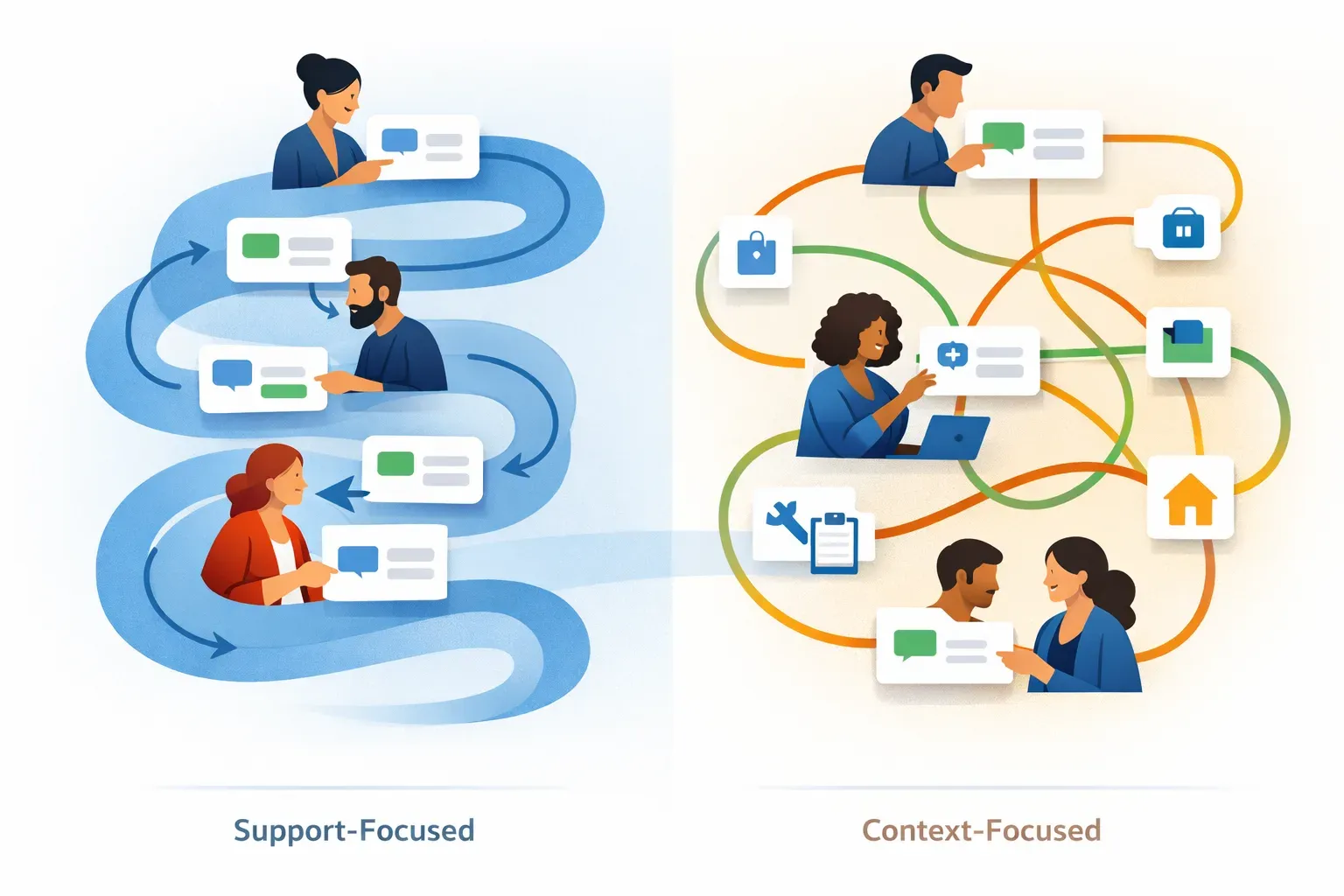
Help Scout is a natural starting point for teams focused on support conversations, while HubSpot may suit teams tying service to a broader customer platform. Test both with real workflows for ownership, handoffs, collaboration, and customer context.
Read more →

Prevent duplicate customer emails by assigning one owner before drafting, coordinating input through internal notes, and making handoffs explicit. Before sending, check the assignment, conversation history, and latest updates to confirm you are the person responsible for replying.
Read more →
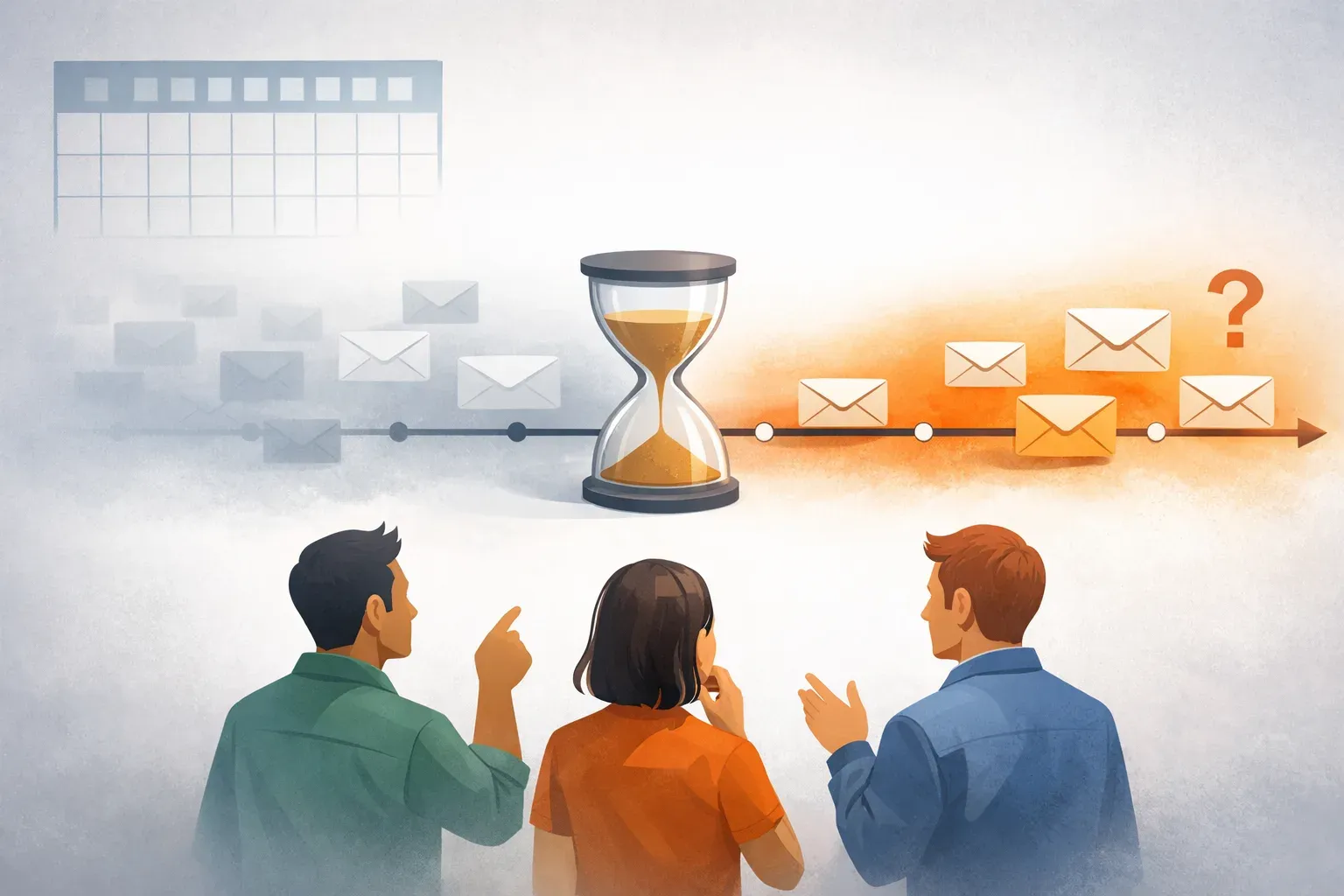
Missive's free tier stays available, but its 15-day conversation-history window may not suit teams that need a lasting shared record. A 2026 analysis reports paid plans starting at $14 and a five-user entry-tier cap; verify current pricing and retention terms.
Read more →
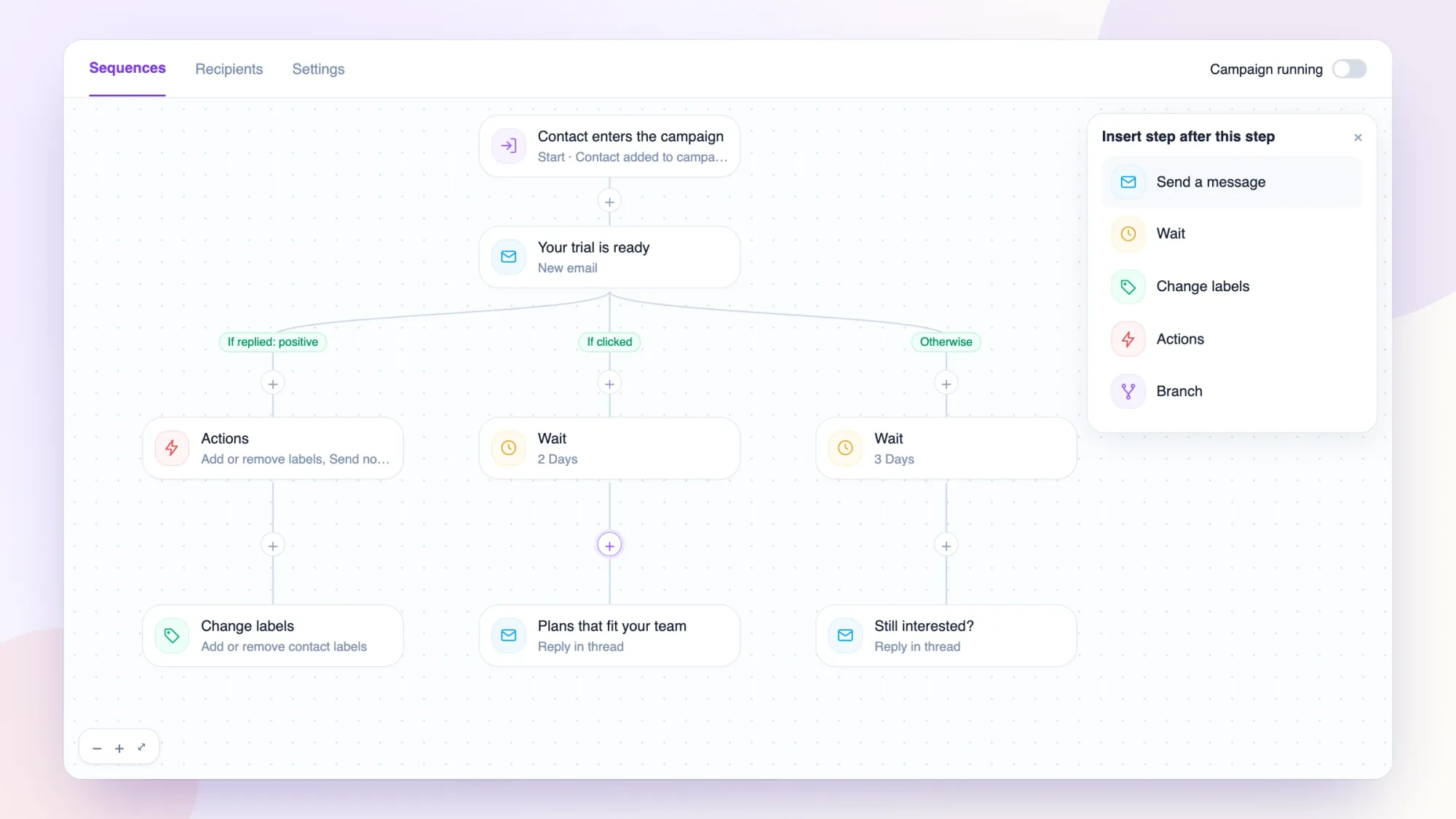
Build email sequences on a canvas, route contacts by opens, clicks, and replies, and see where every recipient stands.
Read more →
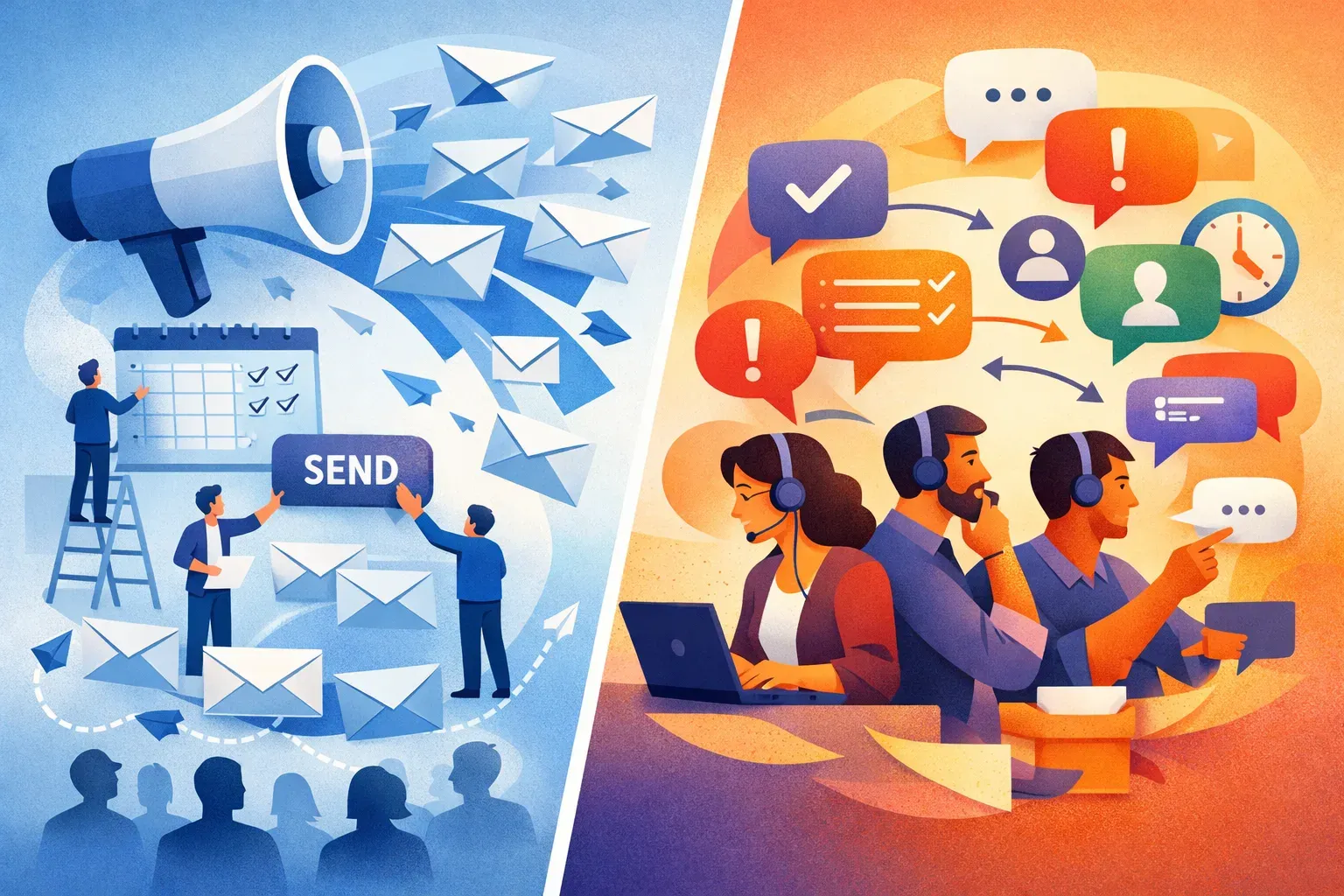
Marketing tools plan campaigns for an audience, while support workflows help teams assign, discuss, and resolve incoming customer requests. Helpmonks is built for shared inbox coordination, not bulk promotional email.
Read more →
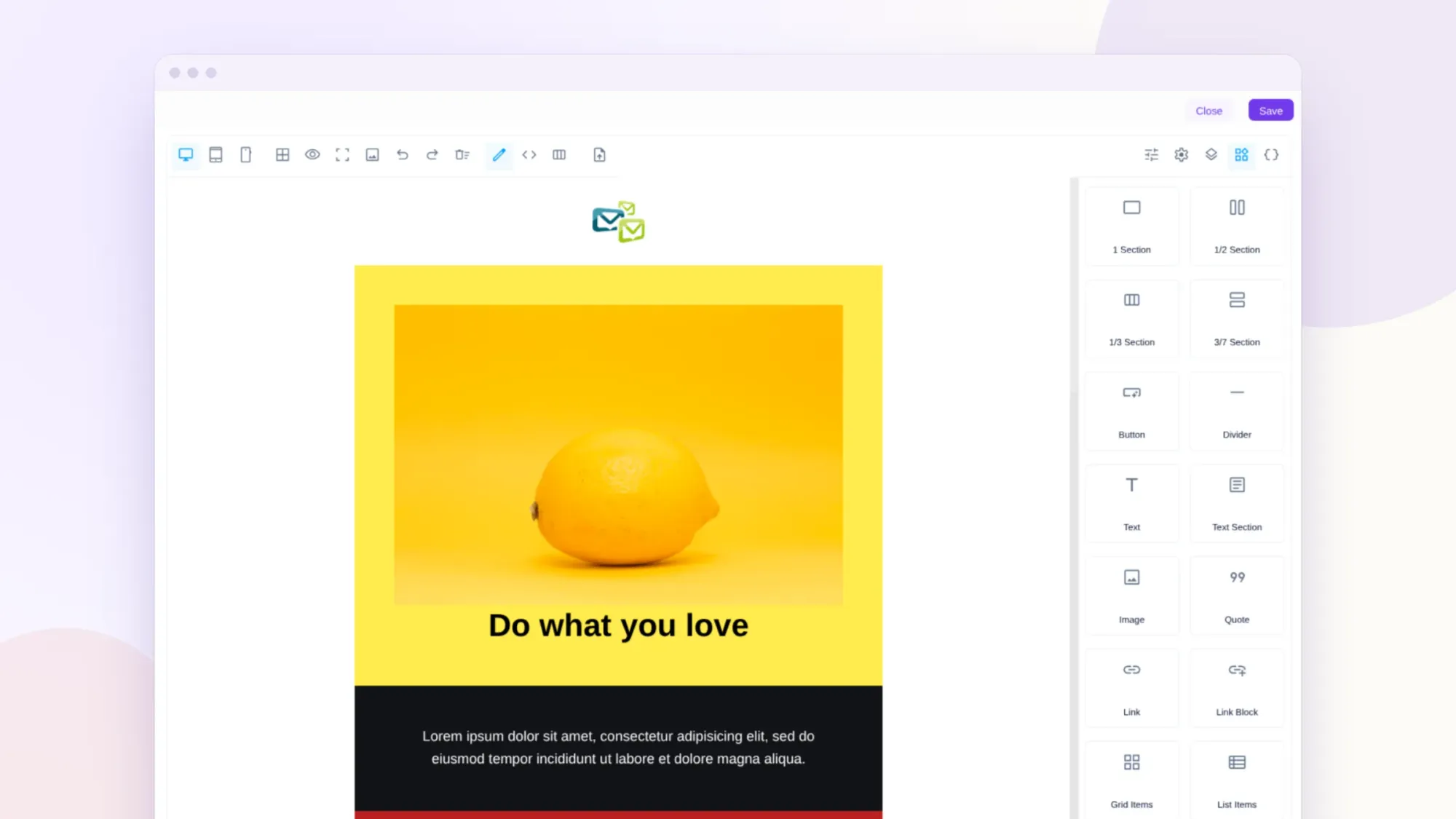
Build campaign emails with drag-and-drop blocks, import the HTML you already have, edit code side by side, and personalize with your own fields.
Read more →

Unlimited users. Shared inbox pricing. One place for customer context.