email marketing
Color your labels
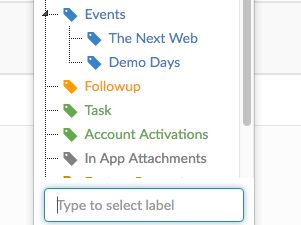
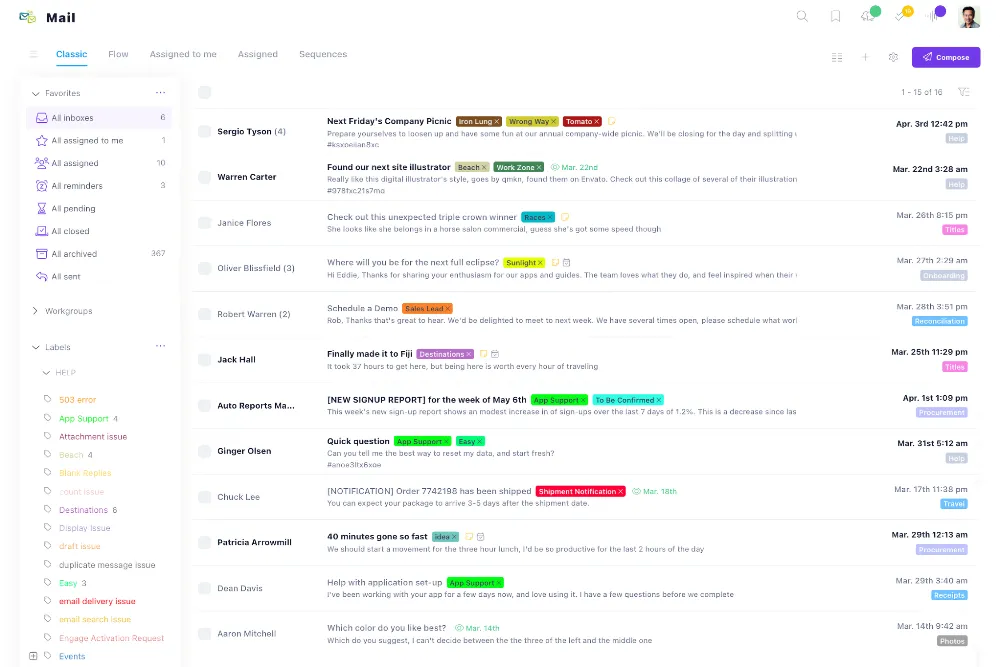
We are very excited to announce that you are now able to add colors to your labels in Helpmonks . Additionally, we've made it easier to add labels to your em

Guides, updates, and tactics for faster customer collaboration.
We are very excited to announce that you are now able to add colors to your labels in Helpmonks . Additionally, we've made it easier to add labels to your em
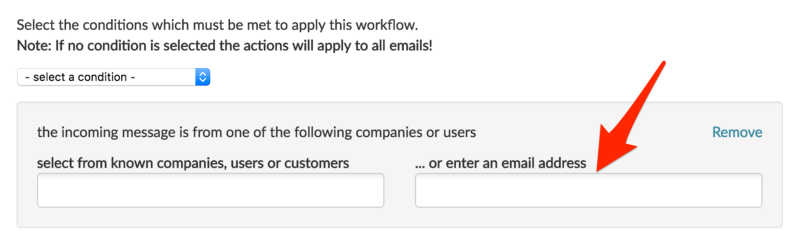
Just a quick note, on a rather important update to the workflow. We enhanced the workflow so that you can now enter any email address to be matched. Previous
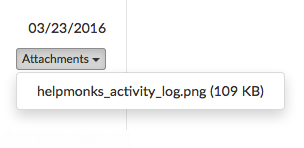
We've been very busy here at Helpmonks to make your shared inbox better every day. Here are some of the latest enhancements to bring your team email to the n
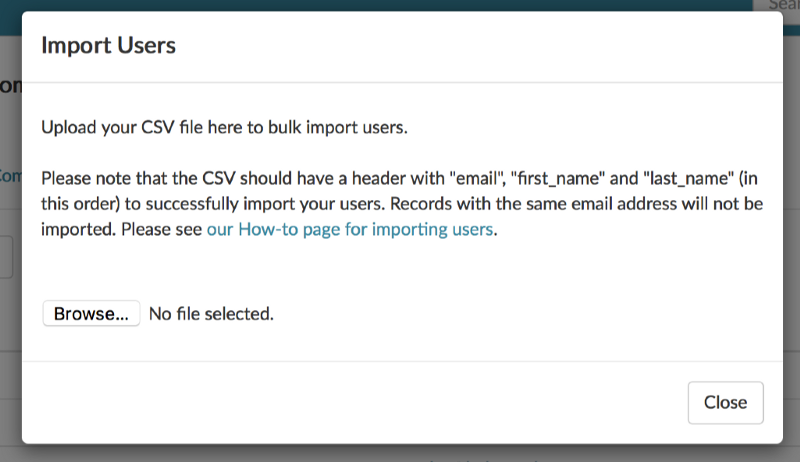
As Helpmonks is growing we constantly explore how to make it easier for our customers to use Helpmonks. One of those time savers has just been made available
Razuna 1.8.2 and the latest version of the search server is now available. Razuna 1.8.2 contains these important changes: -----------------------------------
We are happy to announce another feature that was requested by our customers — the option to set the default assignee on replies. Setting a default assignee
Today we pushed a few updates to the Helpmonks platform. Some of these are direct user requests. Here is the list of changes: * Enabled search for custom fie
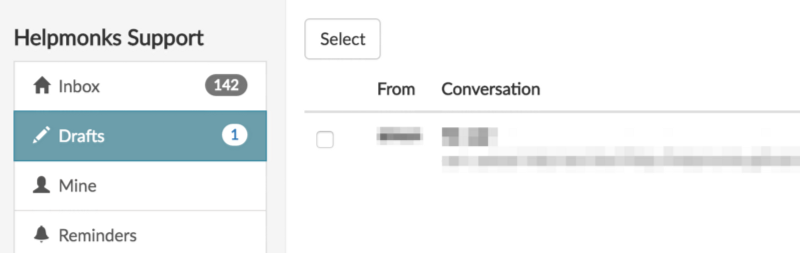
We're excited to announce that we released “Drafts” today. Drafts, as the name implies, autosaves your replies in Helpmonks and lets you easily return to the

Update 2018: After having received over a thousand upvotes on Quora and being featured in newspapers, my post below was removed on Quora (without given a rea
Razuna 1.8.1 and the Razuna Search Server 2.1 is now available. This is a maintenance release for all previous versions and we strongly encourage you to upda
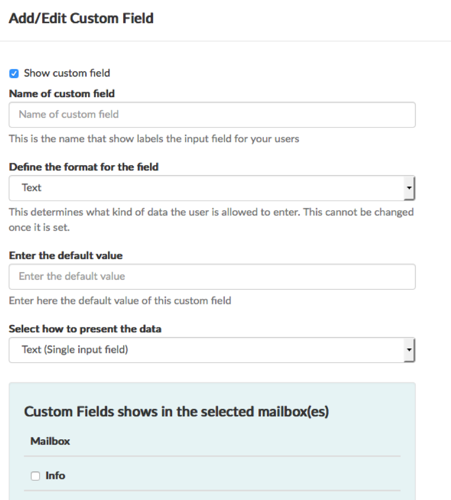
Today is a big day here at Helpmonks as we've just released one of the most requested features – Custom Fields. With custom fields you can store relevant dat
Here at Helpmonks we value our customer's requirements above anything else. While this might be a marketing slogan for some, we take this seriously and there
Unlimited users. Shared inbox pricing. One place for customer context.