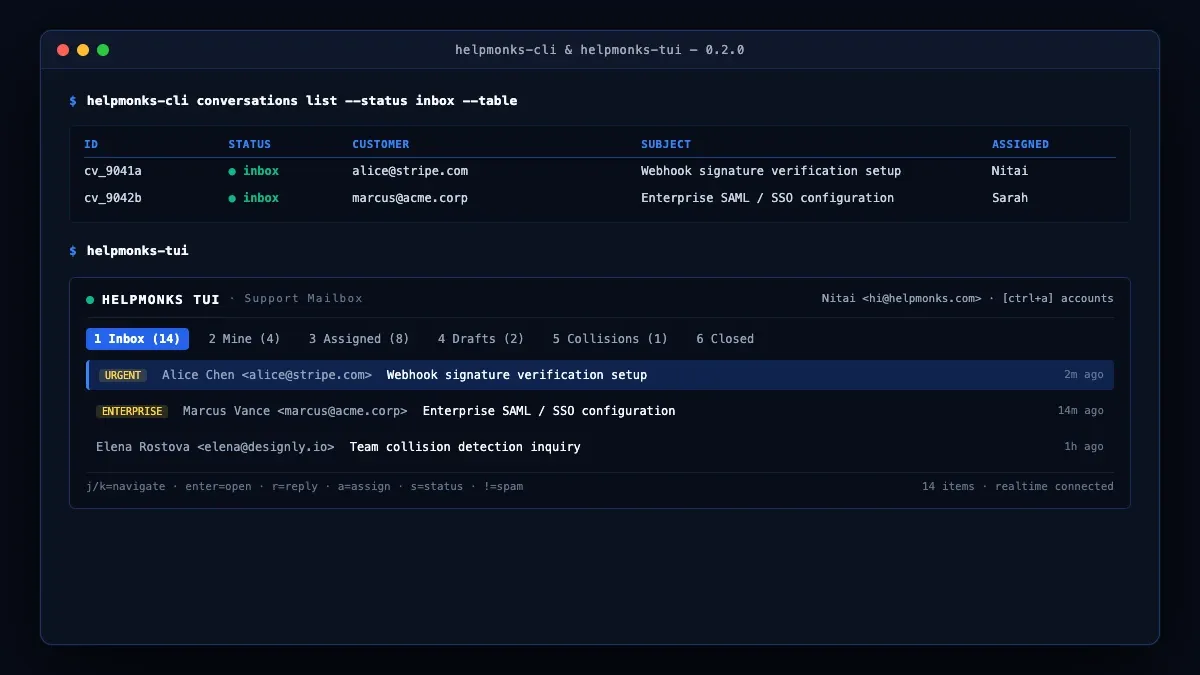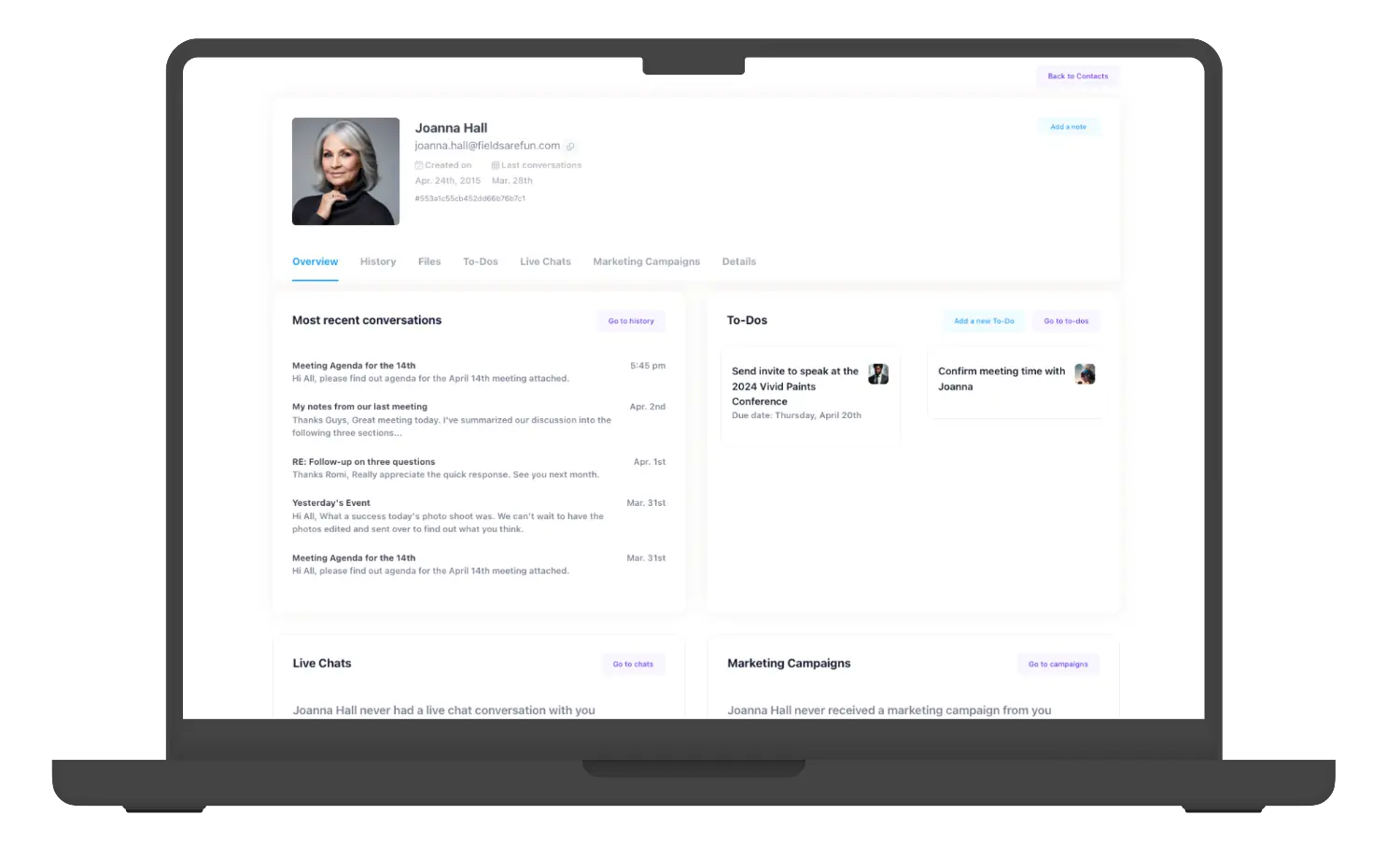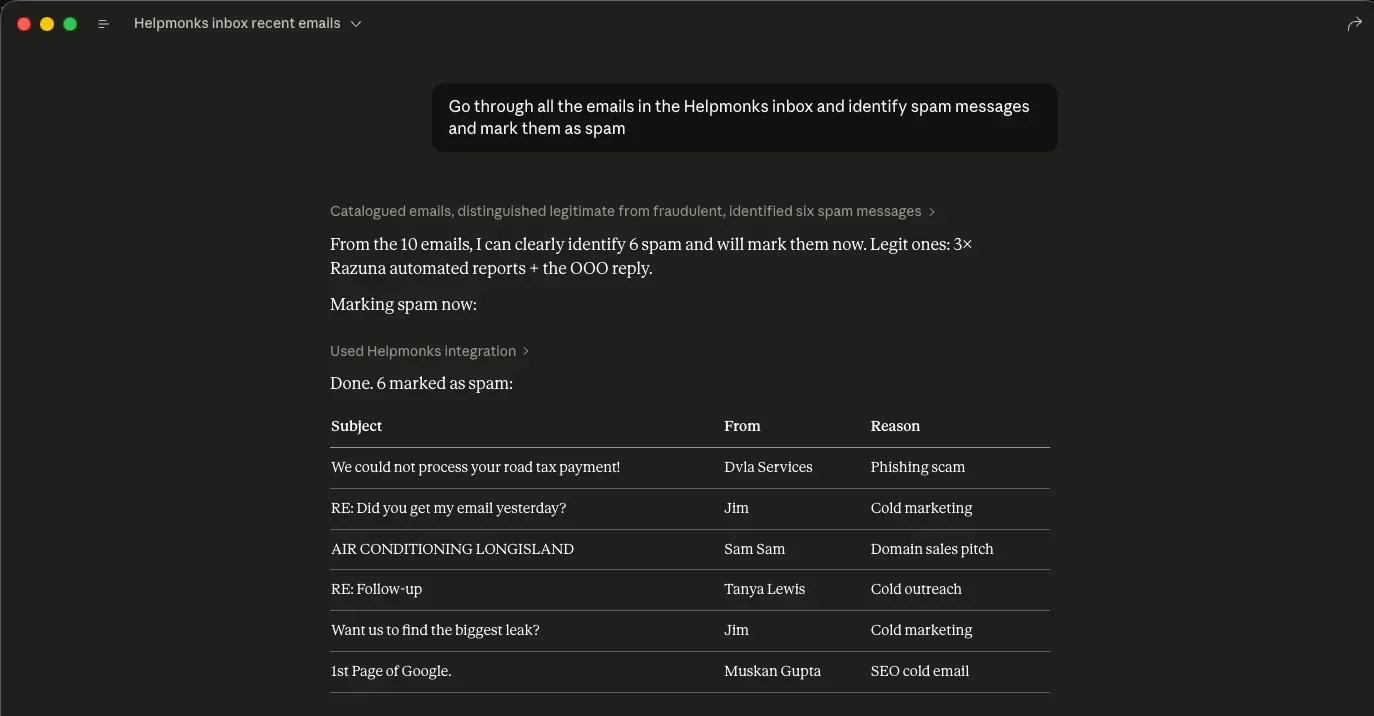
Helpmonks 3.0: The new mailbox overview is now available
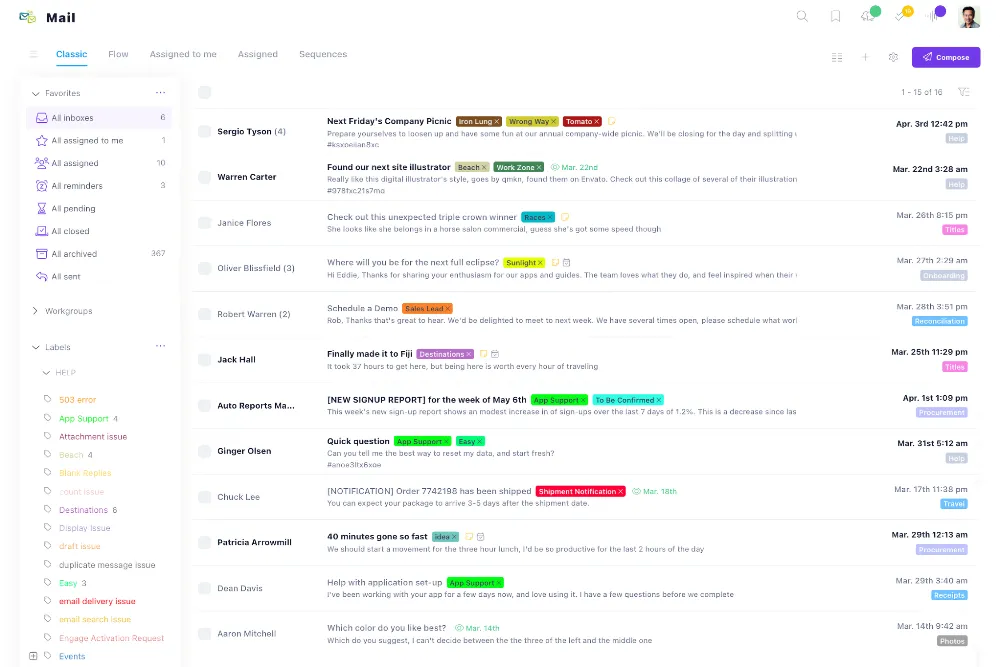
Based on feedback from our customers (thank you) we are happy to announce that an enhanced mailbox overview is now available. The new mailbox view shows all the mailboxes of your account with counts.
If you “star a mailbox”, you will see additional information, and can also quickly add a folder to your favorites. If you rather like the “classic” way of working with your emails, you can just load your messages with one click.

Clicking on any mailbox or folder will show all the folders of the mailbox on the left side. Previously, we had the selection of the mailbox in the left sidebar, but as that was limited, the new mailbox overview replaces that option.