Helpmonks 3.0: Re-design of composing a message, replies and for notes
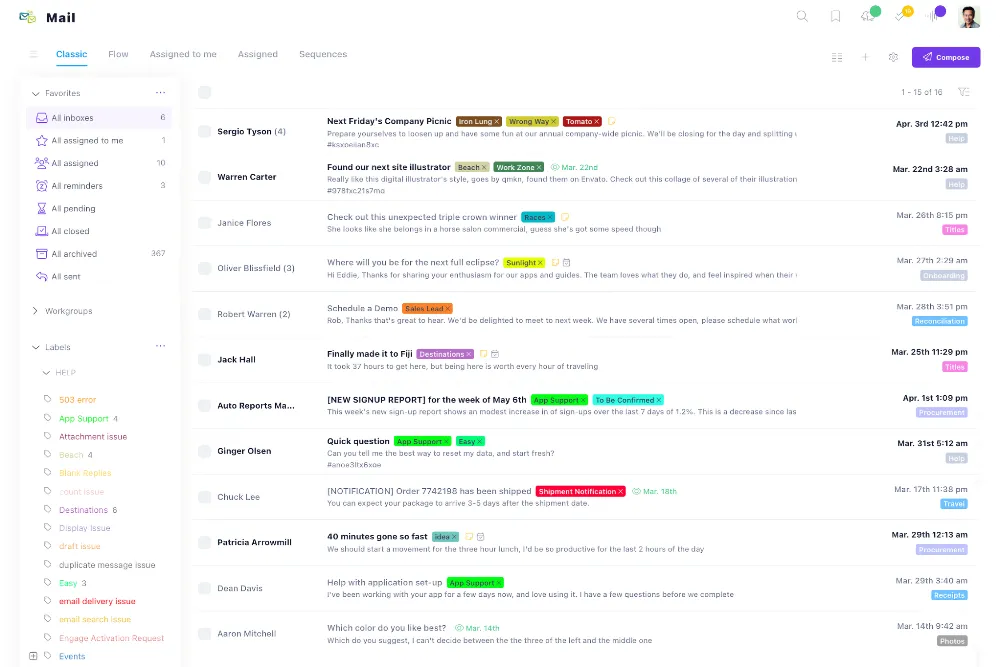
As of the beginning of our preview phase, we’ve been working on some concepts on how you can get your work done faster. For us, this means (among many other things) how quickly you can create a new message, reply to one or create a note.
Now, based on our feedback so far, we did not hit the mark with the concept mentioned above in Helpmonks 3.0.
Hence we went back to the drawing board and came up with a new solution that we think works better. That said, here is how it looks now.
For a new message
Just as before, you will find the “Compose” button in the upper right corner. However, instead of a small floating editor, you will now get this:

As you can see, creating a new message currently gives you an excellent extensive editor and provides some more information once you start typing. Another benefit is also how fast this is :)
For replies and notes
We also overhauled the message detail section, added the same floating toolbar from the email list, and added the option to reply and create a note. Again, this action and behavior are now the same everywhere. Have a look:

And here for notes

These are just some of the changes from the last few days. Stay tuned for some more on the road to the new Helpmonks 3.0.
As always your feedback is encouraged. We read each one!