
Chatbot vs. Live Chat: Which Is the Better Solution?
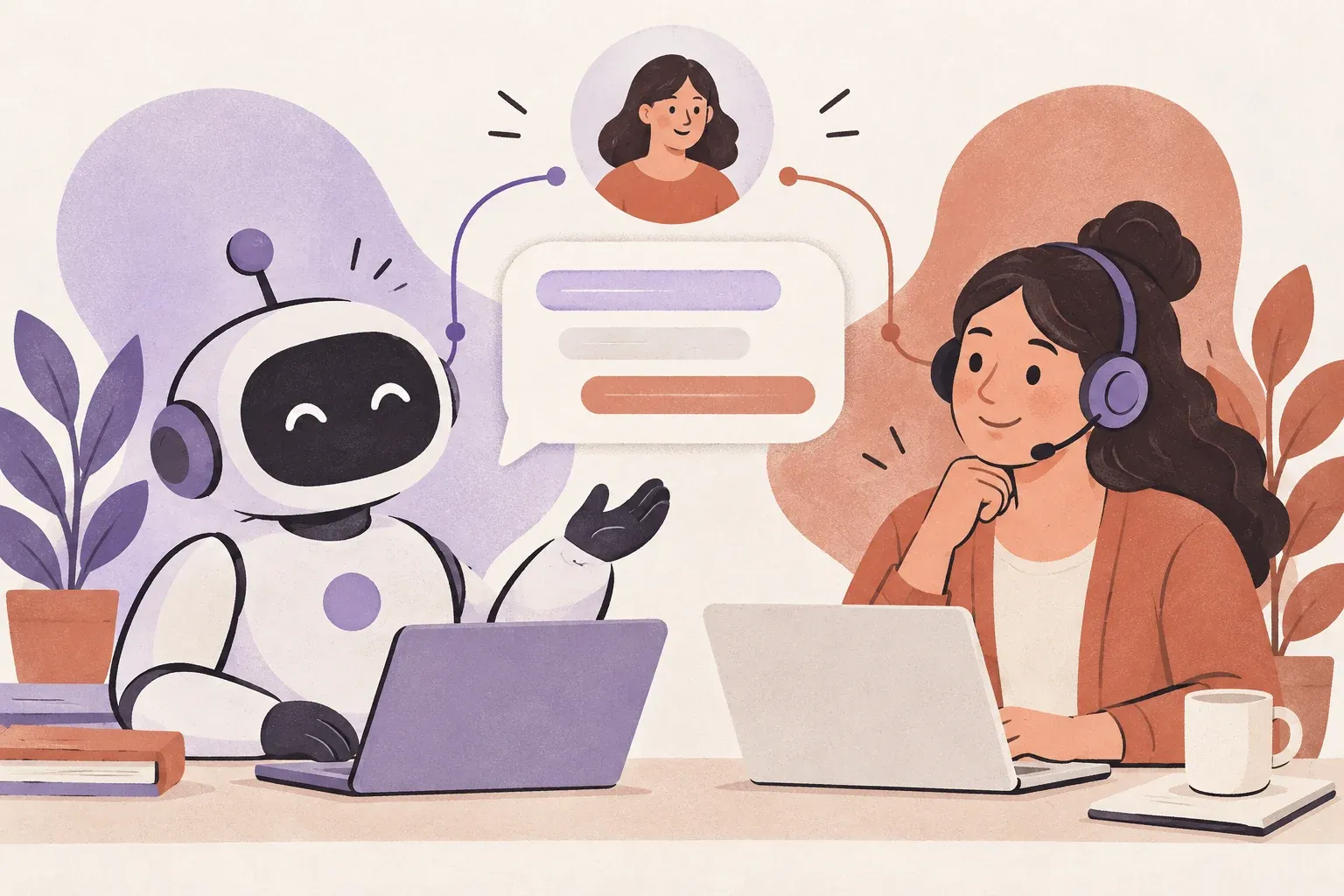
Your support stack has a problem. It is not that you have too many tools. It is that you are being sold two tools that do very different things as if they are interchangeable. Chatbots and live chat are not the same thing. Choosing the wrong one does not just waste money, it actively makes your customer experience worse.
This guide lays out what each option does, where each one wins, and what most businesses get wrong when picking between them.
What Is Live Chat?
Live chat is a real-time messaging channel where a human agent responds to a customer. The customer types a message in a chat widget on your website. A support agent sees that message in a shared inbox or help desk, types back, and the conversation unfolds in real time.
Live chat is fast. It is personal. It resolves nuanced problems because there is a thinking human on the other end. The tradeoff is that it requires staffed agents, business hours coverage, and a tool that lets your team manage multiple conversations without dropping the ball.
Tools like Helpmonks let you run live chat directly inside a shared inbox so your team handles chat conversations alongside email without context switching. That matters when you have a small team and every second counts. You can see exactly how it works at helpmonks.com/features.
What Is a Chatbot?
A chatbot is software that handles conversations automatically, without a human agent involved. Rule-based chatbots follow decision trees. AI-powered chatbots use natural language processing to interpret messages and generate responses from a knowledge base or trained dataset.
Chatbots scale. They do not sleep, do not need breaks, and can handle hundreds of conversations at once. For common, repetitive questions like password resets, shipping status, or FAQ lookups, they work well. For anything requiring judgment, context, or empathy, they fall apart quickly.
If you are comparing platforms as well as channels, see our website live chat tool guide. Check each product’s routing and handoff behavior against your real support questions.
Chatbot vs. Live Chat: The Core Differences
The distinction comes down to four dimensions: availability, complexity, cost, and customer satisfaction.
Availability
Chatbots can provide first contact outside staffed hours, but availability is not the same as free usage. Some vendors charge by conversation, resolution or usage, so include those costs and a human handoff in the plan.
Live chat is limited to when your team is online. You can extend coverage with overflow bots or async messaging, but pure live chat has a hard ceiling tied to headcount.
Complexity of Queries
Live chat wins on complexity. A customer asking why their integration broke after a software update, why their invoice does not match expectations, or why their account shows a billing error -- these require a human who can dig into account data, read between the lines, and make judgment calls.
Chatbots handle complexity poorly. Even the best AI chatbots fail at multi-step problems, escalating frustration when they loop back to the same unhelpful answers. A frustrated customer is worse than a slow one.
Cost
This is where most buying decisions go wrong. Chatbots look cheap upfront. No salaries. No training. No scheduling headaches. But the real cost is the conversations handled badly. Churn caused by a poor support experience is expensive. A deal lost because a prospect could not get a quick answer from a bot is expensive.
Live chat costs more per interaction, but done right with a tool that keeps your team efficient, the ROI is higher on conversations that actually matter.
Customer Satisfaction
Customer satisfaction depends on the question, the quality of the answer and the ease of reaching a person. Measure automated and human conversations separately using your own customer feedback rather than assuming a universal satisfaction score.
When Chatbots Actually Work
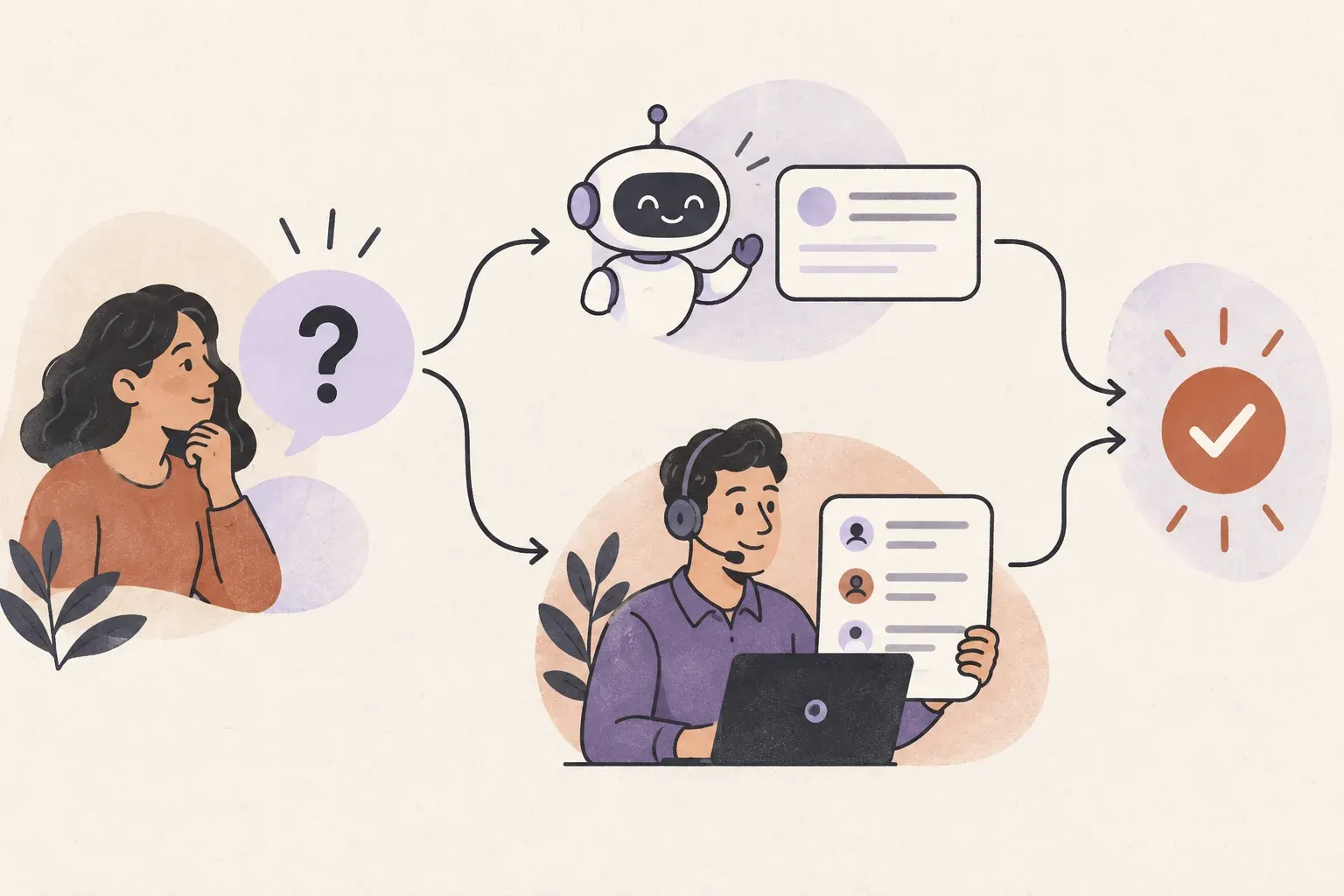
Stop treating chatbots as a replacement for live chat. They are a triage layer. Here is where they genuinely earn their place:
First contact capture outside business hours. A bot that collects the customer name, issue type, and contact info means your team wakes up to qualified tickets, not cold messages.
FAQ deflection for high-volume repetitive queries. If 30% of your incoming chats are asking the same three questions, a bot that answers those frees your team for conversations that need a human.
Routing and qualification. A bot that asks if this is a billing question, a technical issue, or a sales inquiry before handing off to a human agent makes every live conversation faster.
Status lookups. If your chatbot can pull order status, account status, or ticket status from an API, that is a legitimate deflection use case that saves agent time without degrading customer experience.
When Live Chat Is the Right Call
If your business has any of the following characteristics, live chat should be your primary channel:
Complex products or services. B2B SaaS, professional services, anything with configuration, contracts, or onboarding. These conversations require judgment calls a bot cannot make.
High-value customers. If losing one customer costs you thousands, you cannot afford a bot handling their support experience. They will remember being bounced by a machine.
Sales-sensitive conversations. A prospect asking a pre-sales question is a buying signal. Handing that to a bot instead of a human is leaving money on the table.
Situations where trust matters. Healthcare, legal, financial, or any context where the customer is anxious and needs reassurance. Bots erode trust in these situations.
Our guide to automating customer support can help you decide which steps are suitable for automation. Explore Helpmonks live chat for the human conversation workflow alongside it.
The Case for Using Both (and How to Do It Without Making a Mess)
Most teams land here eventually. A chatbot handles overnight coverage, first-contact routing, and FAQ deflection. Live chat handles everything that needs a real person. The question is whether your infrastructure supports the handoff cleanly.
The failure mode is a clunky handoff. The customer spends three minutes fighting a bot, finally gets escalated to a human agent, and has to repeat everything they already typed. That is a satisfaction killer. Your system needs to pass full conversation context when escalating.
With Helpmonks, live chat conversations land in the same shared inbox as your email. Your team sees the full chat history, can pick up where the bot left off, and can manage assignments and labels exactly as they would with email tickets. That context continuity is what makes the hybrid model work.
What Most Teams Get Wrong
Deploying a chatbot to cut costs without measuring the customer experience impact. If your deflection rate goes up but your CSAT drops and churn ticks up, you saved money in the wrong place.
Assuming a chatbot can handle your specific use case without testing it. Every product has edge cases. Run your most common 50 support queries through a proposed chatbot and count how many it handles cleanly. The number is usually lower than the vendor demo suggests.
Not building a clear escalation path. A chatbot without a reliable handoff to a human is a frustration machine. If a customer cannot easily reach a real person when the bot fails, you will hear about it in reviews.
Running live chat and email in separate tools. This creates context fragmentation. Your agent handling a live chat has no visibility into the email thread the same customer sent last week. With a shared inbox platform like Helpmonks, both channels live in the same place so every agent has full context on every customer.
The Verdict
Chatbots are a volume tool. Live chat is a quality tool. The right answer for most businesses is not chatbot vs. live chat -- it is chatbot plus live chat with a clean handoff and a shared inbox that keeps your team aligned.
If you are a small team trying to handle growing chat volume without hiring, the move is not to deploy a bot and call it done. The move is to get your live chat running efficiently first, identify the repetitive low-value queries, and then automate exactly those. Not the whole thing.
Efficiency in live chat comes from the tooling around your agents. Collision detection so two agents do not reply to the same customer at once. Assignment rules so the right agent gets the right conversation. Canned responses for queries that are not automated but are still repetitive. These are the features that make live chat scale without sacrificing quality.
Helpmonks gives your team all of this. Shared inbox, live chat, assignments, labels, and automation in one place. If your team is still managing support across disconnected tools, see how much simpler it can be at helpmonks.com/features, compare plans at helpmonks.com/pricing, or explore the full platform at helpmonks.com.