9 Best Live Chat Tools for Websites in 2026

If your team is fielding customer questions across a dozen browser tabs, something is broken. Live chat tools fix that, but only if you pick the right one. Here are the best options for 2026, including one your support team can run without leaving their inbox.
What to look for in a live chat tool
Most live chat platforms are priced by feature count. Ignore that. What actually matters for support teams:
- Does it connect to your shared inbox, or create another silo?
- Can multiple agents handle chats without stepping on each other?
- Does it show chat history so agents have context before they type?
- Is the widget lightweight enough that it won't slow your site down?
With that in mind, here are nine tools worth looking at.
9 best live chat tools for websites in 2026
1. Helpmonks Live Chat
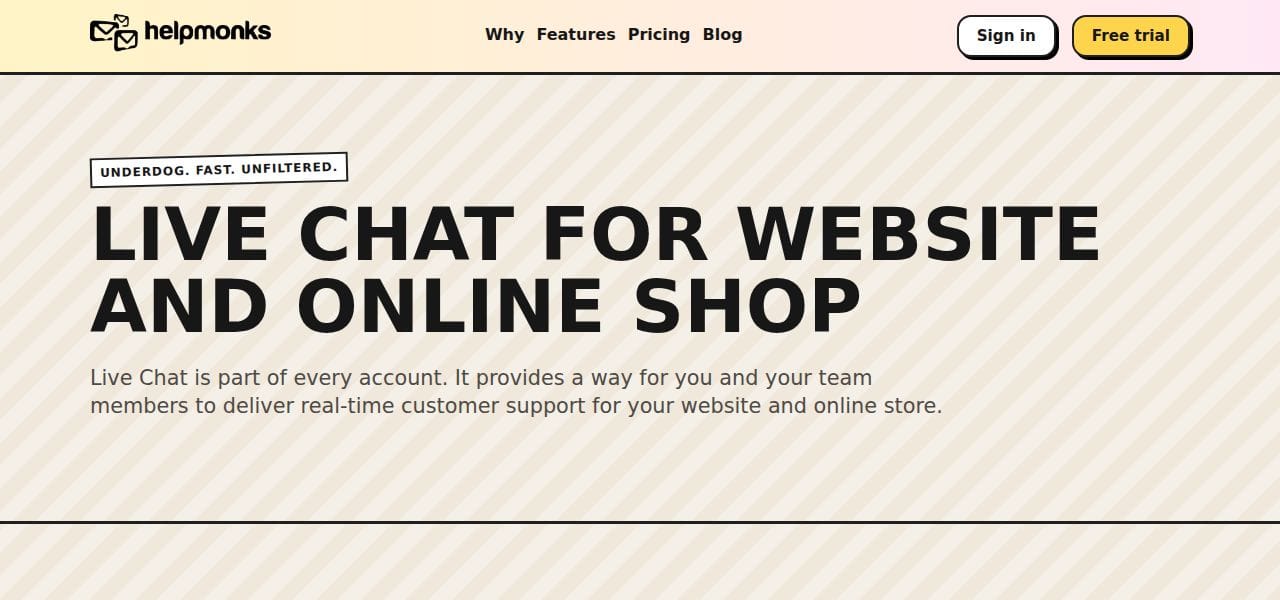
Helpmonks is built around a shared inbox and team email, and its live chat slots into that same workflow. Chats land in the same place as emails, so your team does not need a separate tool to manage them.
You can deploy the widget across multiple websites, group them, and use targeted messaging to reach visitors proactively. The knowledge base integrates directly, so customers can self-serve before escalating to a chat.
Best for teams that want an all-around email solution and chat in the same workspace.
2. Brevo Conversations
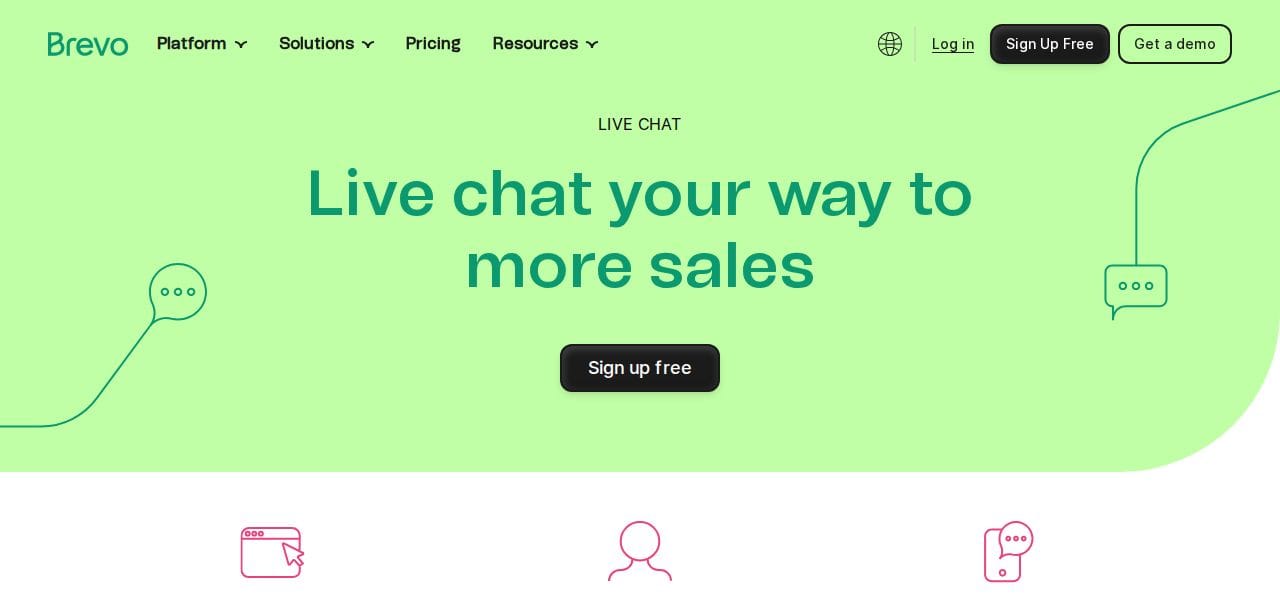
Brevo (formerly Sendinblue) offers live chat, SMS marketing, and a built-in CRM. The widget installs as a plugin on WordPress, WooCommerce, and Shopify, and mobile apps let agents respond on the go.
The trade-off: automation is limited. Fine for small teams, but you'll hit a ceiling as volume grows.
Best for small businesses that want a simple multi-channel setup without a large budget.
3. Zoho Desk
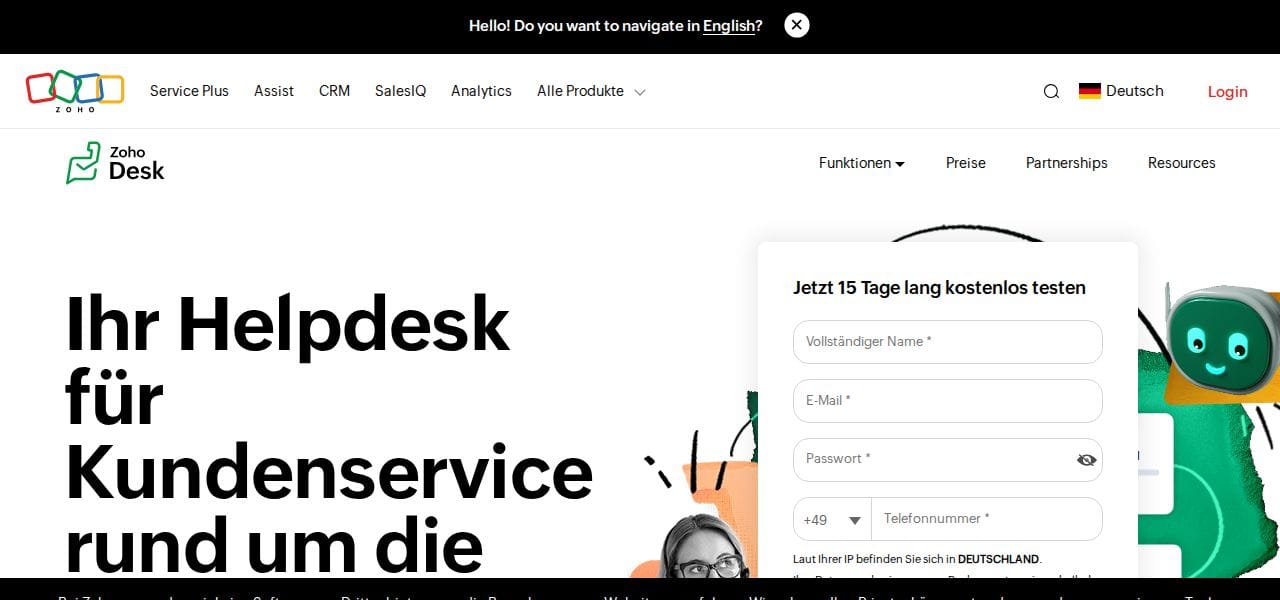
Zoho Desk centralizes conversations from email, chat, and social media. Its AI assistant Zia answers questions from your knowledge base and flags unusual activity to agents. Watch the cost — full feature access adds up fast.
Best for larger teams that need a full helpdesk platform with AI-assisted routing.
4. HubSpot Live Chat
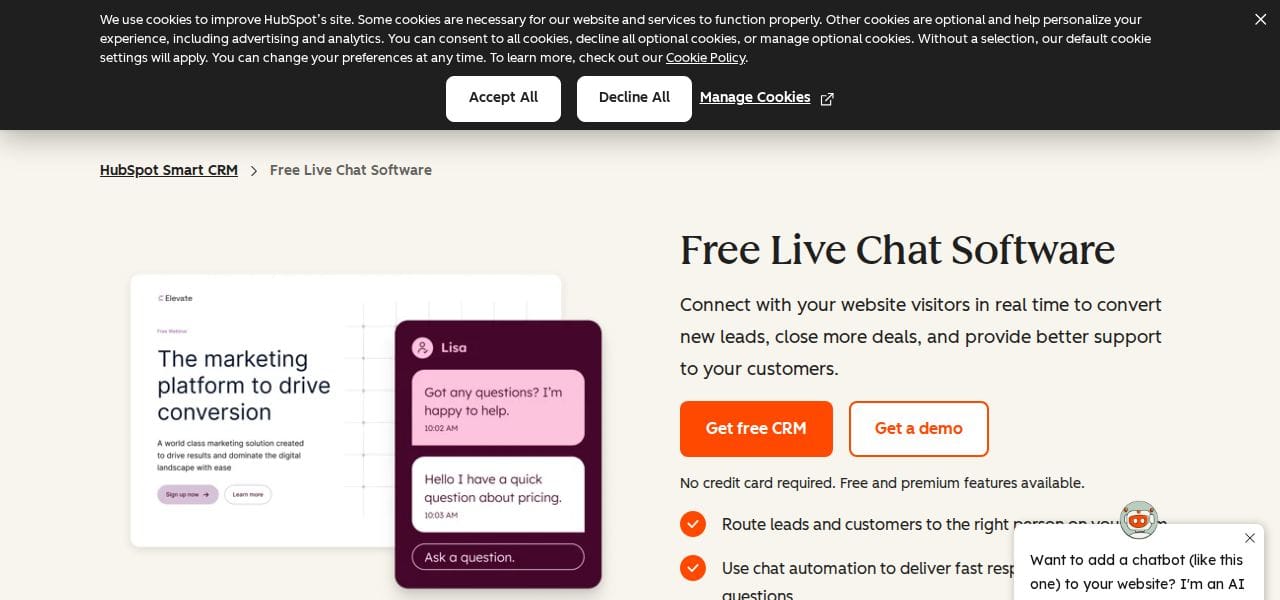
HubSpot's live chat connects to its CRM so every conversation is logged automatically. Setup requires no coding, and the widget supports targeted welcome messages by page or visitor segment. The chatbot is free — advanced features sit behind paid plans.
Best for teams already using HubSpot who want chat without adding another vendor.
5. LiveChat
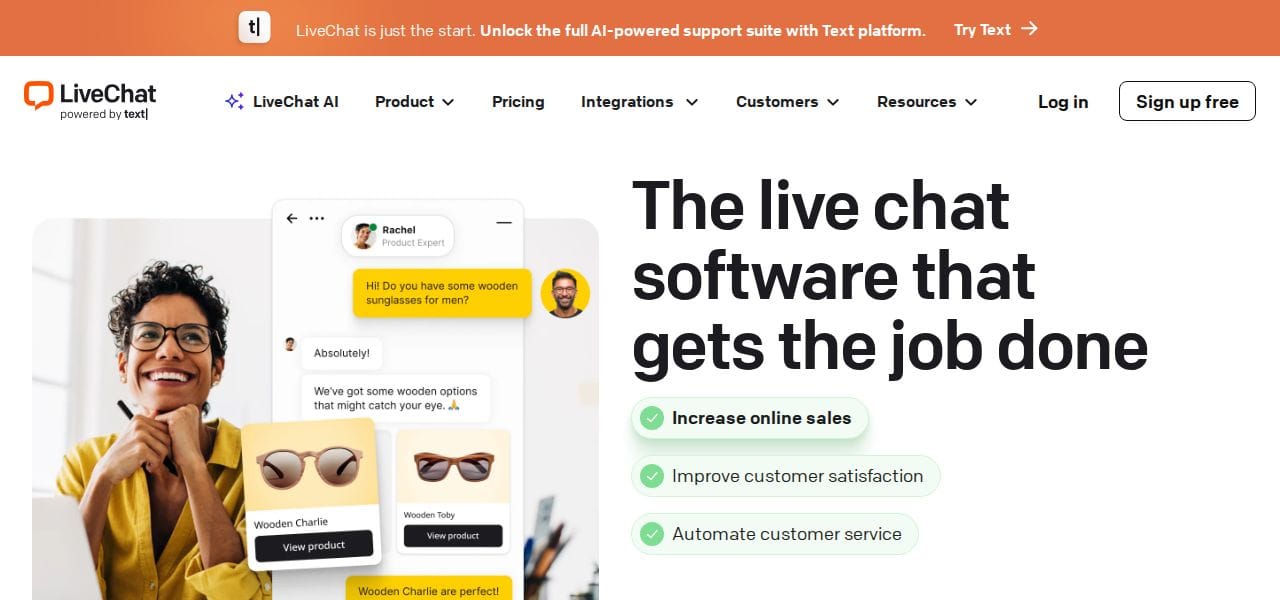
LiveChat integrates with over 200 tools and supports omnichannel messaging, AI chatbot automation, and custom lead qualification forms. There is a learning curve to get full value, but the core chat experience is solid from day one.
Best for teams that want a mature, integration-heavy platform and have time to configure it properly.
6. ChatBot
ChatBot is a no-code AI chatbot builder. You drag and drop conversation flows, use pre-built templates, and connect to Shopify, Slack, and Facebook Messenger. Machine learning personalizes responses over time. Plans can get expensive for small teams.
Best for businesses that want to automate a significant portion of support without writing code.
7. LiveAgent
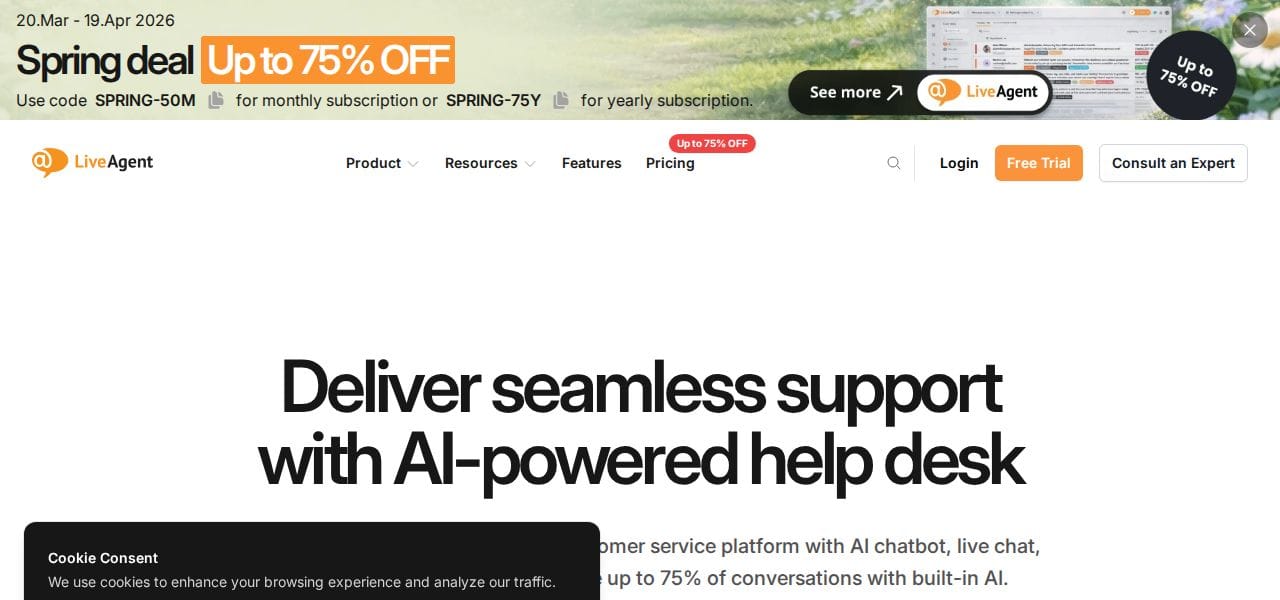
LiveAgent includes chat routing, proactive invitations, real-time typing previews, and a full ticketing system. Its AI Whisper Assistant helps agents draft accurate replies faster. Pricing scales with agent count.
Best for teams that need a full call center and ticketing setup alongside live chat.
8. Freshdesk
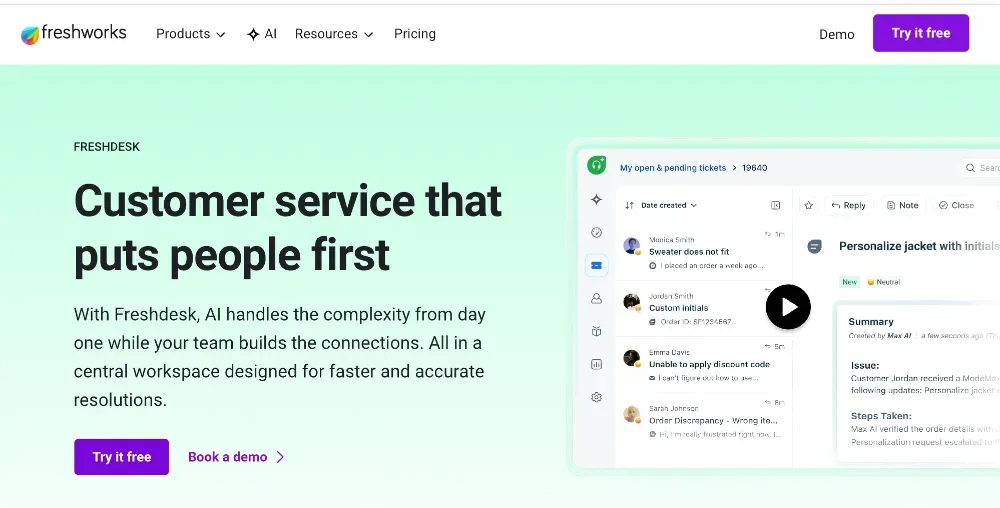
Freshdesk handles multichannel ticketing and automates assignment based on agent skill and availability. It also directs customers to the knowledge base for self-service. The mobile app can be slow to update live counts.
Best for support-focused teams that want robust automation and reporting in a single platform.
9. Drift (now Salesloft)
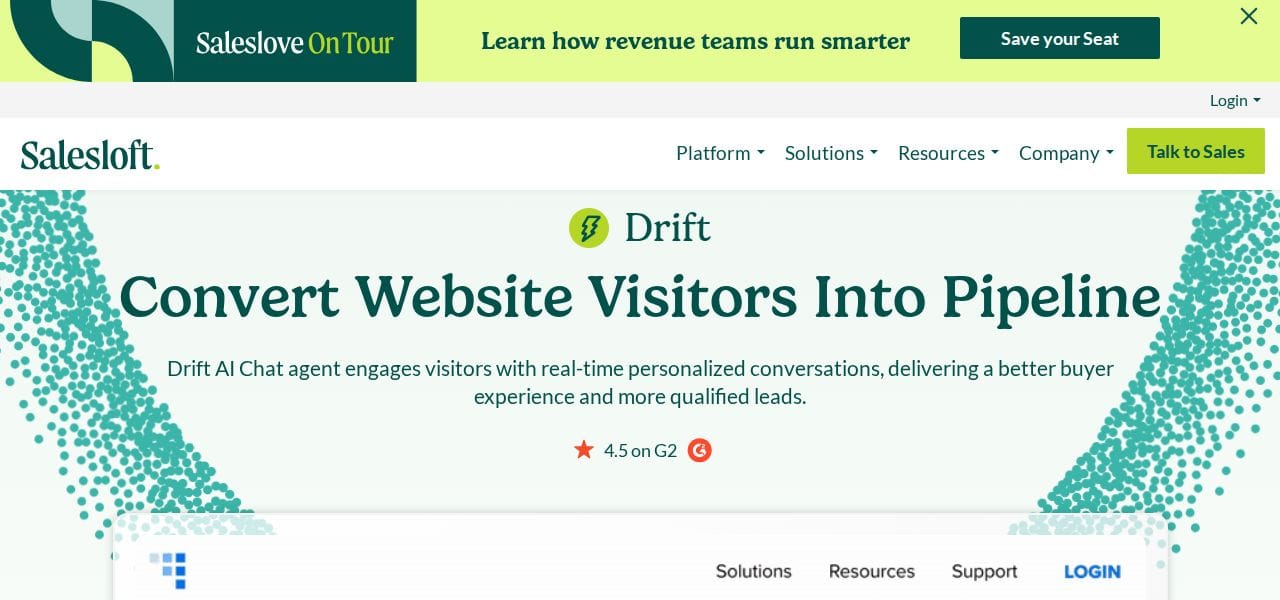
Drift was acquired by Salesloft and now sits inside their revenue platform. Its AI chatbot qualifies leads, routes them by sales territory, and can escalate to a live call or a Zoom call. Implementation takes time, and routing can be unreliable in edge cases.
Best for B2B sales teams that primarily use chat to qualify inbound leads.
Which live chat tool is right for your team?
If your team lives in email and you want chat to feel like part of the same workflow, start with Helpmonks Live Chat. It is the only option here that treats chat as part of your shared inbox rather than a separate product.
For larger teams with complex routing needs: LiveAgent and Freshdesk. For sales-led teams: Drift/Salesloft. For no-code automation: ChatBot.
Frequently asked questions
What is the difference between live chat and a chatbot?
Live chat connects customers to a real agent in real time. A chatbot uses automation to handle queries without human involvement. Most modern tools offer both.
Can I use live chat on multiple websites?
Yes. Tools like Helpmonks, LiveAgent, and LiveChat let you deploy across multiple domains and manage all conversations from one dashboard.
Does live chat affect website speed?
Most widgets load asynchronously and have minimal impact on page speed. Check the vendor's documentation if you run a performance-sensitive site.
How many agents do I need for live chat?
Start with whoever handles your email support. Live chat can run from the same team if the tool supports a shared inbox.
Running support from a shared inbox? Helpmonks connects live chat, email, and team collaboration in one place. Try it free.