Customer Service Email Templates: 7 Ready-to-Use Replies

Email templates are the difference between support that feels calm and support that feels chaotic. Here are practical customer service email templates your team can use today.
What customer service email templates actually solve
When a team shares one inbox, speed and consistency matter. Templates help you respond fast, keep the tone on-brand, and reduce the dumb mistakes that happen when people write under pressure.
They are not about sounding robotic. They are about giving your agents a strong starting point, so they can personalize the parts that matter.
7 customer service email templates you can copy
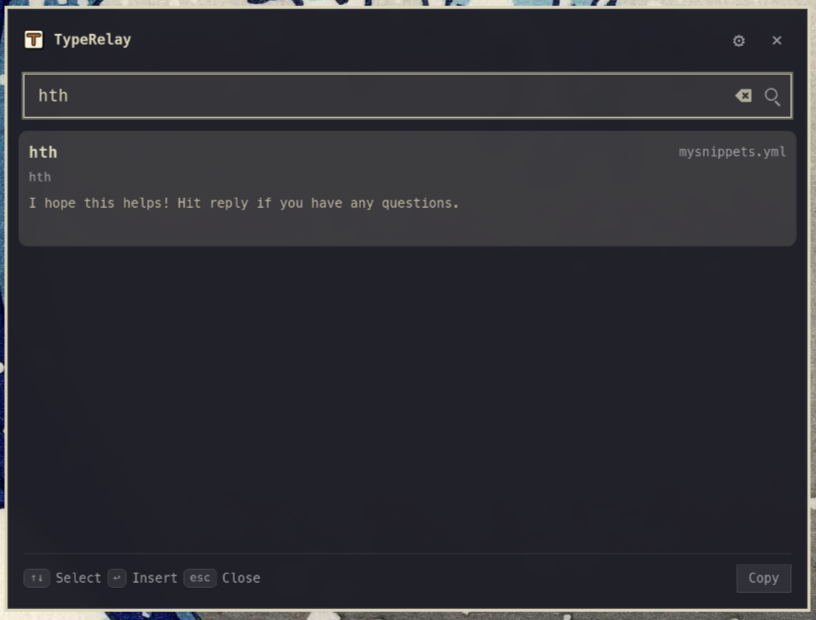
Use these as drafts inside your shared inbox tool. Then adjust only the variable fields: customer name, order or ticket details, and the next action.
Template 1: Welcome and setup
Subject: Welcome to [Company]
Hi [Customer Name],
Thanks for signing up. If you need help getting started, reply to this email and we will route you to the right person.
Template 2: Responding to an angry customer
Subject: We understand, and we are fixing this
Hi [Customer Name],
Thank you for telling us what happened. We are sorry this was frustrating. Here is what we are doing next: [Action 1], [Action 2].
If there is anything else we should know, reply with the details, and we will take it from there.
Template 3: Responding to a happy customer
Subject: Thank you for the kind feedback
Hi [Customer Name],
We appreciate you taking the time to share your experience. Your feedback helps the whole team do better. If you want to get more value from [Product], here are a few resources: [Link].
Template 4: Asking for the missing info
Subject: Quick question so we can finish this
Hi [Customer Name],
To resolve this, we need [Item]. If you can reply with [Details], we will handle the rest and update you within [Timeframe].
Template 5: Follow-up after resolution
Subject: Checking in on your request
Hi [Customer Name],
I wanted to follow up to confirm everything is working now. If you are still stuck, reply, and we will fix it. Thanks again for your patience.
Template 6: Refund or replacement
Subject: Next steps for your refund or replacement
Hi [Customer Name],
We have processed your [Refund or Replacement]. Here is what to expect: [What happens next], [Timing], [Where to see it]. If you have any questions, reply to this email.
Template 7: General inquiry response
Subject: Re: Your question about [Topic]
Hi [Customer Name],
Thanks for reaching out. Here is the clearest way to handle [Topic]: [Answer]. If you want, reply with your setup, and we will tailor the steps.
Best practices so templates do not sound fake
1. Lead with empathy, not policy. 2. Answer every question in the customer email. 3. Add one specific next step with a timeframe. 4. Personalize the first line, then keep the rest structured.
How to scale these in a shared inbox
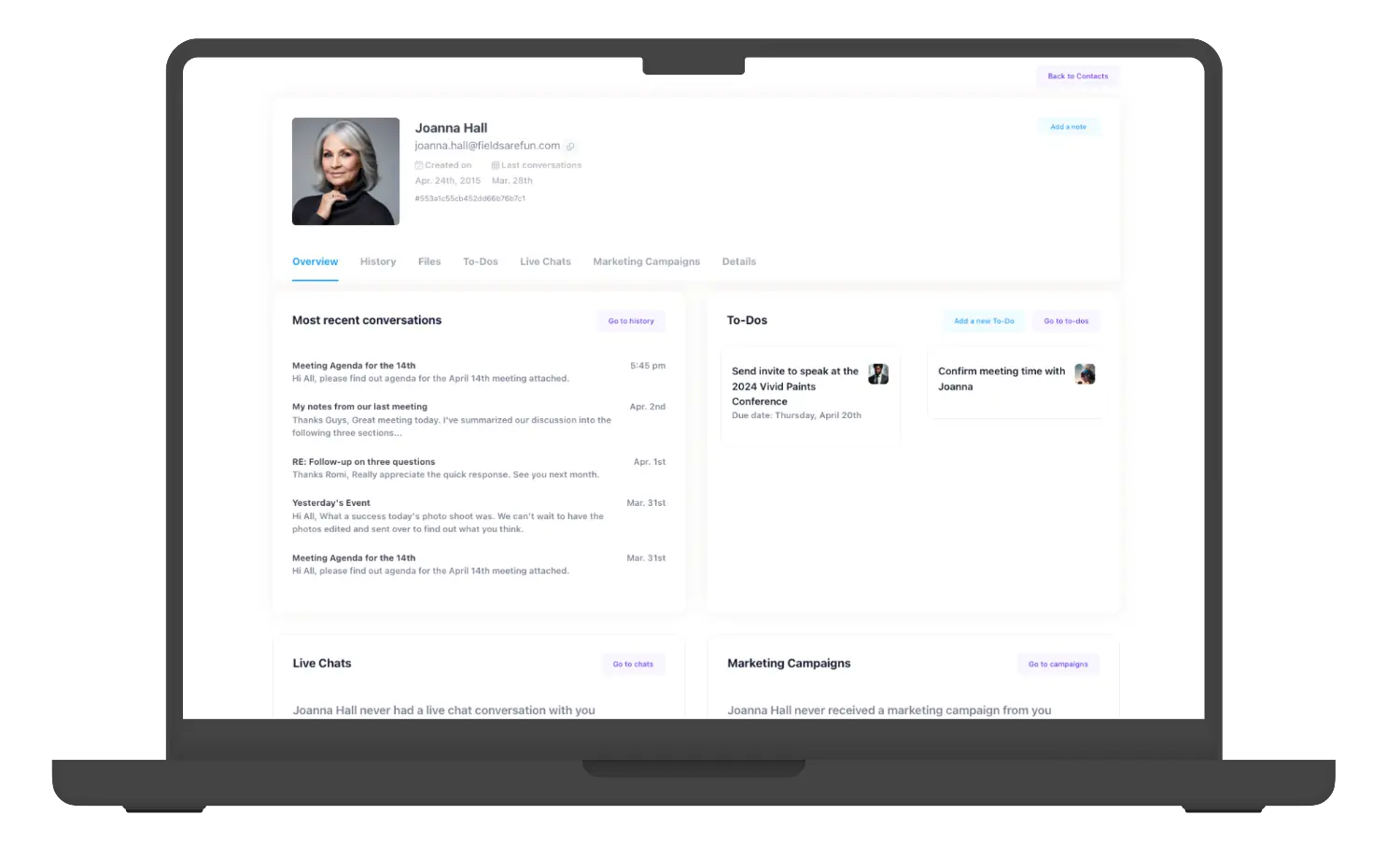
If multiple agents touch the same thread, you need clarity. Assign ownership, track status, and store templates so nobody has to reinvent the reply. That is exactly why Helpmonks is built for team email and shared inbox workflows.
Frequently asked questions
How many templates should we start with? Start with 7 to 10 that match your top support reasons, then expand after you review real inbox conversations.
Should we use the same tone for every customer? Yes, your brand voice should be consistent. But you should personalize the first line and the explanation.
Can templates reduce response times? They can because agents can draft more quickly and focus on the case-specific details.
Ready to get your team email under control? Try Helpmonks at https://helpmonks.com and see how shared inbox workflows make support feel organized. Start free.