
Zendesk Pricing in 2026: Plans, AI Costs, and Team Totals

Zendesk pricing can look straightforward when viewed as a per-agent rate, but the seat price is only part of the budget. AI usage, optional features, billing terms, and the number of agents can all change the final bill.
A 2026 pricing overview from Gleap reports annual-billing prices ranging from $19 to $115 per agent per month. That range is useful for estimating seat costs, but it should not be treated as a complete quote: the exact plan, add-ons, AI charges, and contract terms matter.
Zendesk pricing at a glance
| Cost item | What to check |
|---|---|
| Agent seats | The per-agent rate and the number of paid agents |
| Billing term | Whether the displayed rate requires annual billing |
| AI | Whether AI features are included, charged separately, or priced by usage |
| Add-ons | Which capabilities cost extra and whether they are priced per agent or by usage |
| Taxes and terms | Taxes, minimum seat requirements, discounts, and renewal pricing |
The reported $19–$115 range is a starting point for estimating the base subscription. It does not tell you which specific plan fits your needs or what a team will pay after usage-based charges and add-ons.
Estimated seat costs for real team sizes
The table below applies the reported price range to different team sizes. These are seat-only estimates, not full Zendesk quotes. The monthly figures use the stated per-agent monthly rates; the annual figures multiply those estimates by 12.
| Paid agents | At $19 per agent/month | At $115 per agent/month |
|---|---|---|
| 5 | $95/month; $1,140/year | $575/month; $6,900/year |
| 10 | $190/month; $2,280/year | $1,150/month; $13,800/year |
| 25 | $475/month; $5,700/year | $2,875/month; $34,500/year |
For example, a 10-agent team budgeting at the lower end of the reported range would estimate $2,280 per year for seats. At the upper end, the same headcount would estimate $13,800 per year. Neither number includes AI charges, paid add-ons, taxes, or other contract terms.
This distinction matters when comparing plans. A lower advertised rate may not cover the features a team expects to use. A higher-tier plan may bundle capabilities that would otherwise require separate purchases. Compare the features and charges included in each quote, not just the starting price.
How to estimate your full Zendesk bill
Use this formula as a first pass:
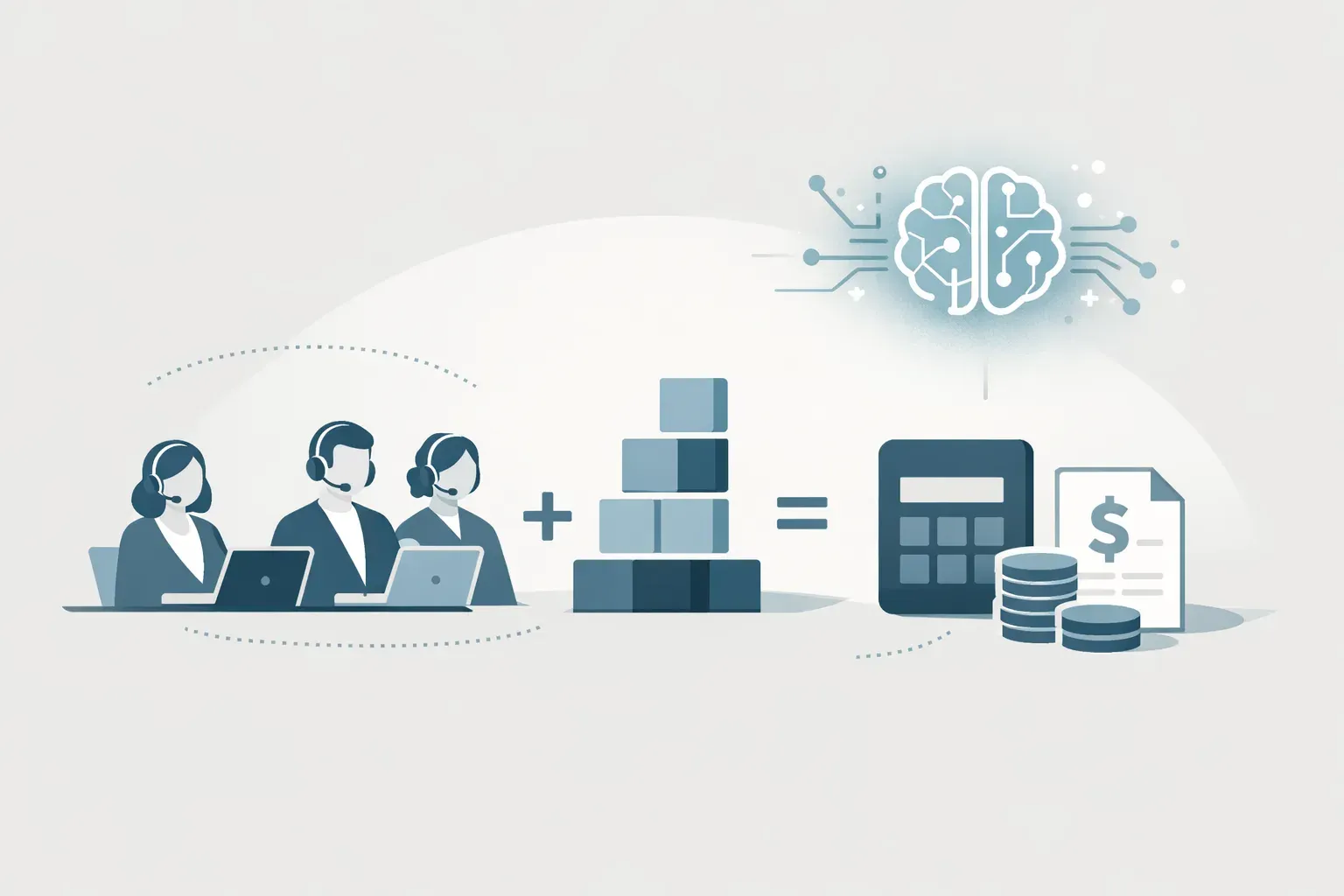
Estimated monthly total = agent seats × monthly seat rate + monthly add-ons + AI usage charges
Then account for the billing term. If the quoted per-agent rate requires annual billing, multiply the monthly estimate by 12 to understand the annual commitment. Confirm whether the contract is billed upfront, monthly, or on another schedule.
Build the estimate in this order:
- Count paid agents. Include everyone who needs an agent seat, not just the people who answer most conversations. Check whether other roles require paid access.
- Choose the plan to evaluate. Match its included capabilities to your actual support workflow. Do not assume the lowest listed price includes every feature your team needs.
- List required add-ons. Ask which features are included and which are separate purchases. Confirm how each add-on is priced, such as per agent, per account, or by usage.
- Estimate AI usage. Find out what counts as a billable AI resolution, what rate applies, and whether any usage is included in the plan.
- Check the contract details. Confirm the billing term, renewal price, minimums, taxes, and any discount conditions before comparing the total.
A quote is easier to assess when each cost is separated into seats, add-ons, and AI usage. It also makes it easier to model changes, such as adding agents or increasing the volume of AI-handled conversations.
How to account for AI resolution costs
AI costs need their own line in the estimate. A per-agent subscription rate alone cannot show what a team will pay if AI features are billed according to usage.
Before forecasting, ask Zendesk or its sales team:
- Which AI features are included in the plan?
- What does Zendesk count as an AI resolution?
- What is the charge per resolution, and are there usage tiers?
- Does the account include any resolutions before charges apply?
- What happens when usage exceeds an allowance?
- Can the team review usage and charges during the billing period?
Do not multiply total incoming conversations by an assumed AI rate unless Zendesk confirms that every conversation is billable in the same way. The relevant unit may be a defined resolution or another measure. Ask for the billing definition and use that definition in your forecast.
A practical estimate can use low, expected, and high usage scenarios. For each scenario, record the expected number of billable resolutions and the confirmed rate. If the rate or included amount is not yet confirmed, label the AI line as unknown rather than hiding it inside the seat estimate.
Add-ons: identify what is outside the seat price
Add-ons can make two plans with similar seat prices cost quite differently. Before budgeting, list the capabilities your team considers necessary, then verify whether each one is included or priced separately.
For each add-on, record:
- The feature or service it covers
- Whether it is optional or required for your use case
- How it is priced
- Whether it applies to all agents or only some users
- Whether the charge changes with usage
- Whether it is part of the annual commitment
This makes it easier to avoid a common budgeting mistake: comparing one vendor's base plan with another vendor's plan that already includes the features you need. Compare equivalent workflows and include their associated costs.
Which Zendesk plan should you budget for?
Start with the work your team needs the software to support. A team that relies on shared email conversations may have different requirements from one that needs a broader ticketing workflow, multiple support channels, or AI usage at scale.
Write down the workflows you need before choosing a plan:
- Who should own each incoming conversation?
- How will agents see that someone else is already replying?
- What customer history should be available to the team?
- Which conversations need follow-up or escalation?
- What response-time commitments does the team track?
- Which channels and integrations are essential?
- How much AI usage do you expect, and how will you measure it?
Then check each plan against that list. If the team needs a capability that is not included, add its price to the estimate or decide whether the workflow can be handled another way.
For teams mainly trying to organize customer email, it can also help to compare a full help desk with a shared inbox workflow. Helpmonks' overview of shared inbox software explains the team-email use case, while this guide to free Zendesk alternatives covers a narrower question: what options may suit teams evaluating a free starting point. These are different decisions, so compare the work each product supports rather than assuming they are equivalent.

Questions to ask before signing
Ask for a written estimate that shows the cost for your actual number of agents and the billing term you expect to use. It should also make the treatment of AI usage and add-ons clear.
A useful final check is to request totals for at least two scenarios: your current team and a likely larger team. If AI charges depend on usage, ask for a low, expected, and high estimate based on your forecast. Confirm how the vendor measures usage and whether the quote includes every required feature.
Finally, verify when the quoted price expires and what happens at renewal. A plan comparison based only on the first-year seat rate may miss later changes to the price or terms.
Frequently asked questions
How much does Zendesk cost per agent in 2026?
A 2026 pricing overview from Gleap reports annual-billing prices from $19 to $115 per agent per month. Treat this as a reported range, not a universal quote. Your plan, add-ons, AI usage, and contract terms can change the total.
How much does Zendesk cost for 10 agents?
Using the reported seat-price range, 10 agents would cost an estimated $190 to $1,150 per month, or $2,280 to $13,800 per year for seats alone. Add-ons, AI charges, taxes, and other contract terms are not included.
Are Zendesk AI costs included in the per-agent price?
Do not assume they are. Confirm which AI features are included, what Zendesk counts as a billable resolution, and whether usage beyond an included amount creates additional charges.
What should I include in a Zendesk pricing estimate?
Include paid agent seats, the billing term, required add-ons, estimated AI usage, taxes, and contract or renewal terms. Separate each item so you can see which assumptions drive the total.
The reported per-agent range gives teams a starting point, but the useful comparison is the complete cost of the workflow they plan to run. Get the seat rate, AI billing rules, and add-on charges in writing, then calculate the total for your current and expected team size.