
Top 10 CRM with Email Marketing: The Complete Guide for 2026

If your team is juggling customer relationships and email campaigns across separate tools, you are losing time, context, and revenue. The best CRM with email marketing built in lets you track every conversation, automate follow-ups, and close deals faster - all from one place.
This guide covers the top CRM platforms with native email marketing, what to look for when choosing one, and how combining these two tools drives better customer engagement.
What Is a CRM with Email Marketing?
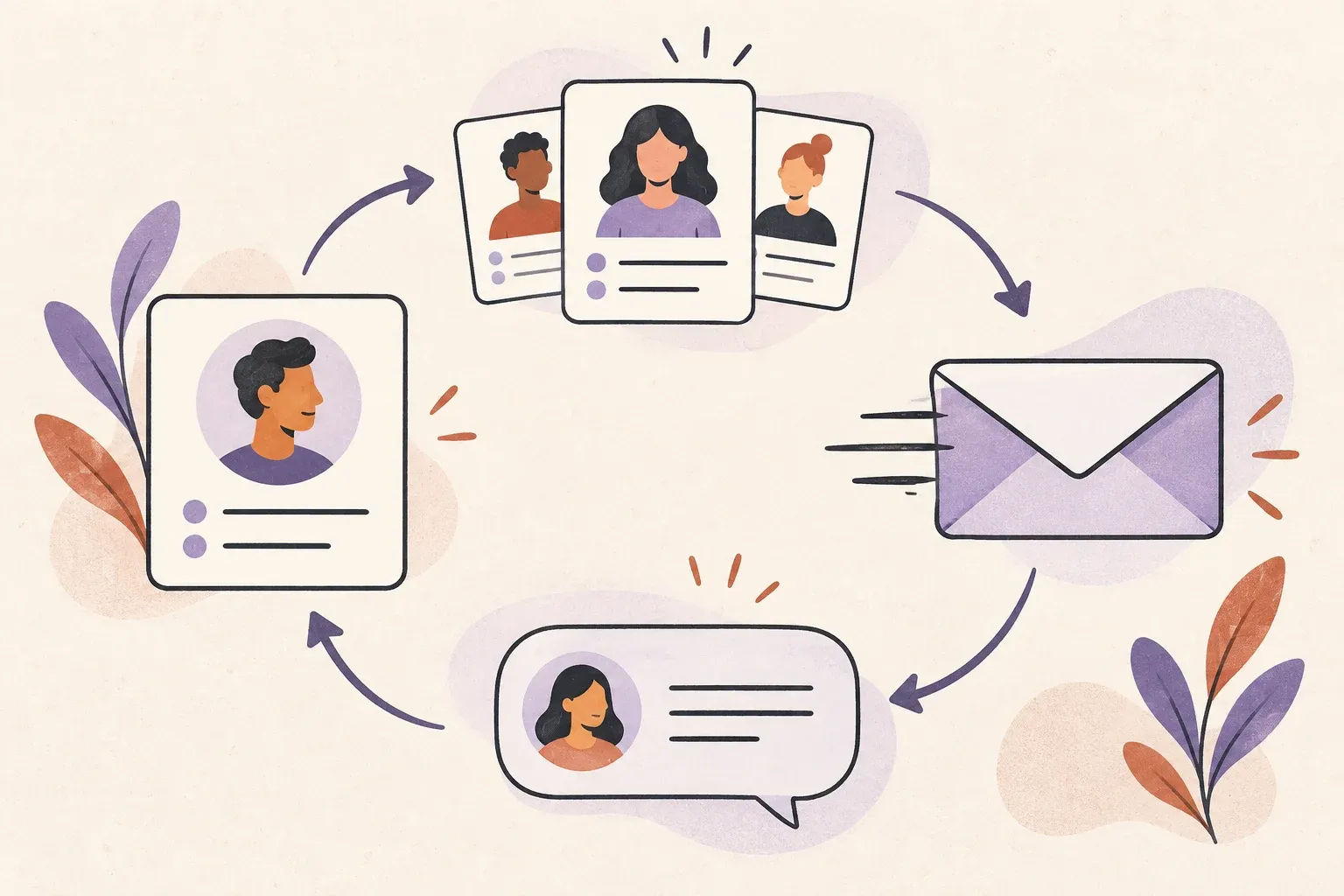
A CRM (Customer Relationship Management) platform helps you track leads, manage customer data, and monitor sales pipelines. Email marketing tools let you design campaigns, segment audiences, and automate sequences. When these two systems are combined, your sales and marketing teams work from a single source of truth.
The result is fewer dropped leads, smarter follow-up timing, and campaigns that actually reflect where a contact is in your funnel.
Why Teams Need CRM and Email Marketing Together
Most small and mid-sized businesses start with a basic email list and a spreadsheet. That works until it does not. Here is what breaks first:
- Sales reps cannot see which campaigns a contact received before calling
- Marketing sends the same promo to existing customers and cold leads alike
- Support teams have no visibility into purchase history or deal stage
- There is no automated nurture for leads that go cold
A unified CRM with email marketing closes these gaps. Every email touchpoint is recorded against the contact record, automation can trigger based on CRM stage, and segmentation reflects real customer behavior - not just a static list.
Our comparison of CRM platforms with email integration provides another way to evaluate how customer records connect with everyday email.
Key Features to Look For
Before evaluating specific tools, decide which features matter most for your team:
- Contact and deal management: Can you attach email history directly to a contact or company record?
- Segmentation: Can you filter contacts by deal stage, activity, tags, or custom fields before sending a campaign?
- Automation workflows: Does the platform trigger emails when a deal moves stages or a contact takes an action?
- Reporting: Can you connect email opens and clicks to revenue outcomes, not just vanity metrics?
- Inbox integration: Does it handle replies from prospects, or does email only flow one way?
Top CRM Platforms with Email Marketing
1. HubSpot CRM
HubSpot is the most popular all-in-one choice for teams that want CRM and email marketing without stitching tools together. The free tier includes contact management, email campaigns, and basic automation. Paid plans add advanced segmentation, A/B testing, and revenue attribution. HubSpot works best for companies that want a single platform to cover marketing, sales, and service under one roof.
2. ActiveCampaign
ActiveCampaign leans harder into automation than almost any competitor. Its visual workflow builder connects email sends, CRM updates, and internal notifications in a single drag-and-drop canvas. It is a strong pick for teams that send high-volume nurture sequences and need fine-grained control over trigger logic. The CRM features are solid but secondary to the email engine.
3. Salesforce + Marketing Cloud
For enterprise teams, Salesforce with Marketing Cloud Account Engagement (formerly Pardot) is the gold standard. The depth of CRM data feeding into email personalization is unmatched. The tradeoff is cost and complexity - plan for a serious onboarding investment. Not the right fit for small teams unless they are already Salesforce shops.
4. Zoho CRM
Zoho CRM pairs well with Zoho Campaigns for a tight budget option that punches above its price. The Zoho ecosystem covers CRM, email, help desk, and analytics - all with consistent pricing tiers. Teams already using Google Workspace or Microsoft 365 will find native integrations straightforward.
5. Pipedrive with Campaigns
Pipedrive is a sales-focused CRM with a visual pipeline. Its Campaigns add-on connects email marketing with CRM contacts. Compare the add-on’s features and subscriber limits with your campaign requirements before choosing it for complex automation.
6. Keap (formerly Infusionsoft)
Keap was built for small business owners who want automation without a developer. It combines a CRM, email builder, and payment collection in one tool. The automation engine is powerful but the interface has a steep learning curve. Best for solopreneurs and small service businesses who run campaigns directly tied to sales follow-up.
7. Brevo (formerly Sendinblue)
Brevo combines transactional email, SMS, and CRM in a platform priced on sends rather than contacts. That pricing model makes it cost-effective for teams with large contact lists that do not email everyone every month. The CRM is basic but sufficient for managing deals and contact history alongside campaigns.
8. Drip
Drip is purpose-built for e-commerce brands. It pulls order history, product views, and cart activity directly into segmentation logic and email personalization. The CRM component tracks customer lifetime value and purchase behavior rather than traditional deal stages. If you sell online, Drip's depth of commerce integrations is hard to match.
9. Freshsales
Freshsales by Freshworks includes an AI-powered lead scoring engine that flags which contacts are most likely to convert based on email engagement and CRM activity. The email marketing integration is tighter in higher tiers, but even the base plan gives you a strong sales CRM with email tracking and sequences.
10. Helpmonks
Helpmonks takes a different approach: it starts with the shared inbox as the center of gravity, then layers CRM-style contact management and email campaigns on top. This makes it especially strong for customer support and success teams that also need to run campaigns without switching tools.
With Helpmonks, every inbound email your support team handles is connected to a contact profile. When you run an email campaign, you can segment by support history, open rate, or custom tags built from real conversations. This bridges a gap that most CRM email tools leave open: the feedback loop between what customers ask and what you send them.
Helpmonks also includes a shared inbox for team collaboration, so support, sales, and marketing work from the same customer thread history. You can see the full feature set at helpmonks.com/features and compare plans at helpmonks.com/pricing.
How to Choose the Right CRM Email Platform
No single platform wins for every team. Use these criteria to narrow your shortlist:
- Team size and budget: HubSpot and Zoho start free. Salesforce requires a meaningful budget and a dedicated admin.
- Primary use case: Sales pipeline vs. customer support vs. e-commerce vs. nurture campaigns - each platform has a different center of gravity.
- Automation depth: If your sequences are complex with branching logic, ActiveCampaign or Keap will serve you better than lighter tools.
- Integration needs: What tools do you already run? A platform with native integrations to your helpdesk, billing system, or website is worth more than a theoretically better standalone tool.
- Shared inbox needs: If your team handles inbound email support alongside outbound campaigns, look for a platform built around collaborative inbox management.
Before building campaigns, review how email segmentation works. Then explore Helpmonks email CRM to keep the relevant customer context accessible when people reply.
The Helpmonks Approach: Inbox-First CRM
Most CRM email tools treat the inbox as an afterthought - a way to log sent messages against a deal record. Helpmonks flips that: the shared inbox is the primary workspace, and CRM data plus campaign history flow into it.
This matters for teams where support and sales overlap. When a prospect responds to a campaign email, your team sees that context right in the inbox thread. When a customer raises a support issue, the agent can see what campaigns they received and whether they clicked any links. No more switching between tabs to piece together the story.
For teams looking to unify their communication stack, Helpmonks offers a compelling alternative to bolting a CRM onto an email tool or vice versa. Explore how it works at helpmonks.com.
Final Thoughts
The right CRM with email marketing is the one your team will actually use. A sophisticated platform that sits half-configured does less for you than a simpler tool that is fully adopted. Start by mapping your workflow - how do leads enter, who follows up, and when does a contact move from prospect to customer to support case.
From there, match that workflow to a platform. If your team lives in the inbox and needs campaign tools close at hand, Helpmonks is worth a close look. If you are scaling a sales org and want deep pipeline reporting, HubSpot or Salesforce may be the better fit.
Either way, the days of managing CRM and email marketing in separate silos are over. Unified tools mean faster follow-up, smarter segmentation, and a complete picture of every customer relationship.