
7 Best Cheap CRM and Email Marketing Tools for Small Teams

A cheap CRM is only a good deal if your team can follow up without rebuilding the customer history in three other tools. Add email marketing to the purchase and the comparison gets harder: some products charge for each teammate, others for contacts, sends, automation, or a separate campaign add-on.
This shortlist covers seven ways a small team can connect customer records with email outreach. They solve different problems. A support team handling campaign replies needs a different setup from a salesperson moving opportunities through a pipeline or a creator sending a newsletter.
We compared the vendors' published product and pricing information on October 15, 2026. This is a guide to choosing a workflow, not a claim that every platform was tested hands-on. Check the linked plan pages before buying, especially when adding contacts, users, or automated journeys.
What makes a CRM and email marketing setup affordable?
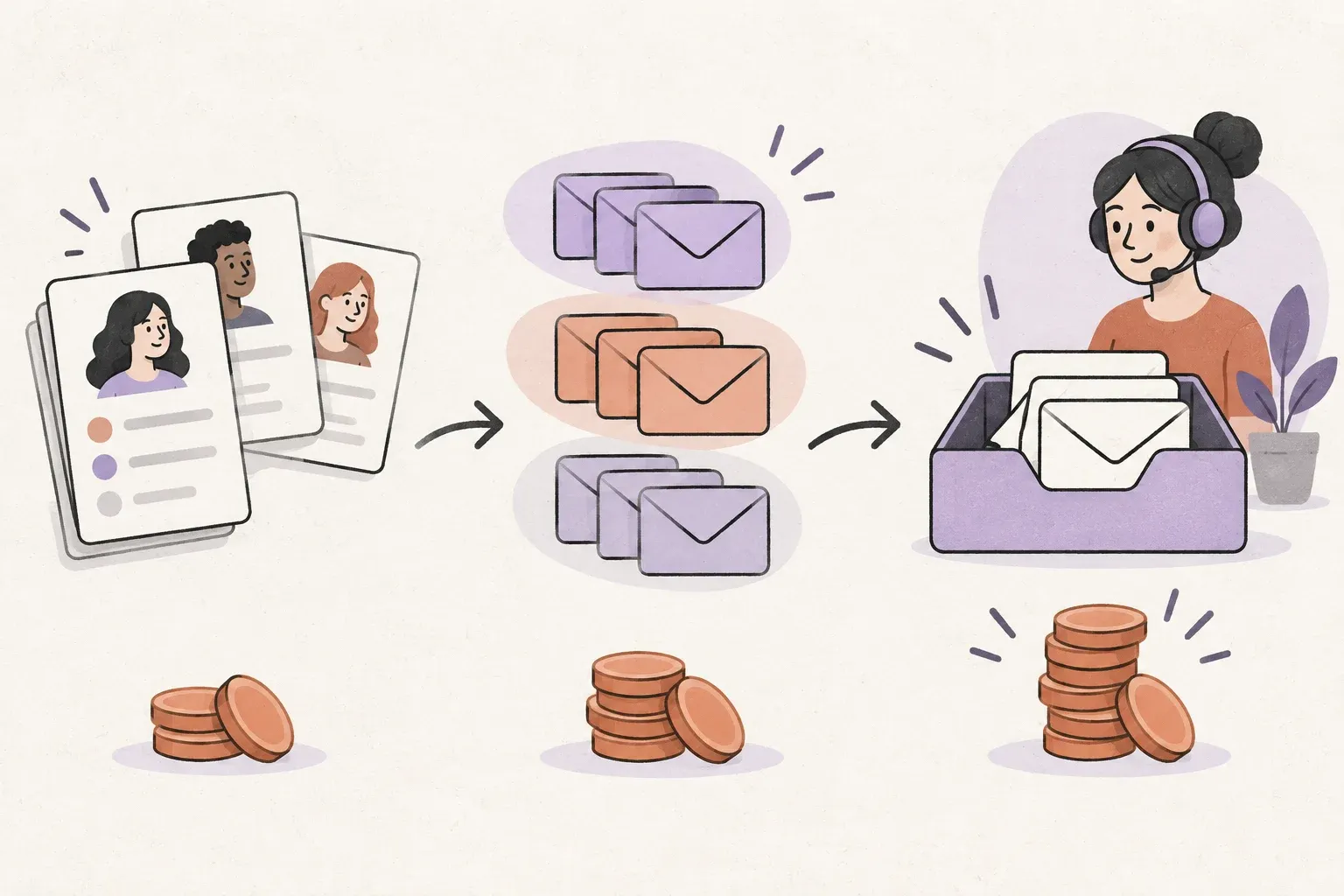
Start with the work you need to finish. Can you import contacts, record their interests, send an appropriate message, and assign the reply to someone who can help? That complete path matters more than the lowest advertised monthly price.
- People: Count everyone who needs access, including occasional collaborators.
- Audience: Separate stored contacts from contacts you actively market to.
- Sending: Check daily limits, monthly limits, overages, and any separate delivery service.
- Automation: Confirm that your required triggers, branching, and follow-ups are included in the plan you priced.
- Replies: Decide who owns responses and where the conversation history lives.
- Exit costs: Test exporting contacts and essential activity before committing.
For more context on the connection between records and conversations, see our guide to CRM platforms with email integration.
A useful starting point is our guide to email CRM and customer relationships. It helps separate the information your team needs from features you may never use.
1. Helpmonks: shared customer conversations and email outreach
Helpmonks fits teams whose customer relationships happen primarily in email. It brings shared inbox collaboration, contact management, campaigns, and automated sequences into the same platform. Teammates can assign conversations and leave private notes instead of forwarding messages around.
The Team plan is $49 per month for three shared inboxes and unlimited users. It includes unlimited stored contacts, with separate campaign-recipient and active-sequence limits. Marketing delivery uses your SMTP server on Team and Business; Helpmonks-managed marketing SMTP is included with Business+ and Scale. Normal shared-inbox replies do not require that extra marketing setup.
Best fit: Customer-facing teams that need coordinated replies alongside outreach. For complex opportunity forecasting, assess whether a dedicated sales CRM is also required. Review Helpmonks email CRM and the current plans.
2. Brevo: a practical entry point for campaigns
Brevo combines contact management with email marketing and other communication channels. Its free plan is useful for trying the campaign workflow before committing: the published allowance includes 300 email sends per day.
That daily cap matters. A list that fits in your contact database may still be too large to receive one campaign on the same day. Also check the user-seat allowance, branding rules, automation limits, and which sales features are included in the package you select.
Best fit: A small marketing operation starting with newsletters and simple customer journeys. Use Brevo's official plan guide to price the combination you actually need.
3. EngageBay: sales and marketing in one small-business suite
EngageBay offers an integrated suite covering marketing, CRM and sales, and service. That can make it a useful shortlist option when a small team wants to avoid stitching together several subscriptions.
Compare the all-in-one package with its individual products carefully. A low entry price for one module does not necessarily include the automation or sales tools you expected. Model the cost with your real contact count and every teammate who needs access.
Best fit: Teams that want to evaluate a broad suite together. During a trial, follow one lead from signup through a campaign and a sales handoff. Check EngageBay's plan comparison for the relevant limits.
4. HubSpot: a free CRM foundation with an upgrade path
HubSpot's free tools give a small business a starting point for customer records and sales activity. The current free CRM allowance is up to two users and 1,000 contacts, so it should not be treated as an unlimited team plan.
The wider platform offers marketing, sales, and service products. That breadth is helpful when you need it, but compare the paid combination before building your process around a feature available only in a higher tier. The cost of growth matters as much as the cost of getting started.
Best fit: A very small team that wants an established CRM ecosystem. Review HubSpot's free-tool limits and the paid marketing package separately.
5. Bigin by Zoho: a straightforward pipeline for a small sales team
Bigin focuses on making customer pipelines manageable for smaller businesses. It is worth evaluating when a shared spreadsheet has become unreliable but a large CRM deployment would be excessive.
Separate sales email from bulk email marketing in your requirements. Connecting a mailbox and following up on an opportunity is not the same as operating a permission-based newsletter. Check the edition's email limits and any campaign integration or additional subscription your workflow needs.
Best fit: Small sales teams whose main problem is tracking ownership and the next action. Start with Bigin's edition comparison, then price the complete campaign setup.
6. Freshsales Suite: sales and marketing around a shared customer record
Freshsales Suite brings sales CRM and marketing capabilities together. It belongs on the shortlist when your team needs a pipeline as well as customer engagement tools, particularly if it already uses other Freshworks products.
Compare the suite with standalone Freshsales rather than treating the names as interchangeable. Pay attention to marketing-contact allowances, user charges, and the tier required for the journeys you plan to run.
Best fit: A sales-led team that wants connected outreach and a structured pipeline. Use the Freshsales Suite pricing page to verify the package and limits before a trial.
7. MailerLite: email marketing when a full sales CRM is unnecessary
MailerLite is an email marketing option, rather than a substitute for a dedicated deal-management CRM. For a newsletter business or a small audience program, subscriber organization and email automation may be closer to the actual requirement than opportunity forecasting.
The tradeoff is clear: if your team needs account ownership, a sales pipeline, and detailed relationship history, evaluate a separate CRM and how the two will exchange data. Include that integration effort in the budget.
Best fit: Teams focused on audience communication without a complex sales process. Compare subscriber and sending limits on MailerLite's pricing page.
Before testing outreach, compare your reply workflow with Helpmonks shared inbox collaboration. A campaign works better when the next conversation has a clear owner.
Run a small trial before buying
Choose two candidates and run the same exercise in each. Use a small set of test contacts and internal recipients. Import the records, create one useful segment, draft a short sequence, send a test, and have a colleague handle the reply. Then export the records again.
Track the friction: duplicate contacts, missing permissions, unclear reply ownership, manual copying, or an upgrade prompt at a critical step. Those problems often reveal the real operating cost faster than a feature matrix does.
Our email sequence guide can help you choose a useful test instead of building an elaborate automation before the basics work.
Choose for the conversation after the campaign
Pick a pipeline-focused CRM when sales stages and follow-up ownership are the main challenge. Pick an email marketing tool when audience communication is the core job. When several teammates need to respond to customers with shared context, include a collaborative inbox in the decision.
The affordable setup is the one that completes that workflow at a predictable cost. If coordinated customer email is your priority, explore Helpmonks shared inboxes and try the process with your own team.