
Helpmonks vs Help Scout and Front: Choosing a Shared Inbox

If your team is comparing Helpmonks, Help Scout, and Front, start with the work you need the inbox to support. Can teammates see who owns a conversation? Can they add context without sending it to the customer? Can a new teammate understand the history and next step?
These are more useful questions than a feature-count comparison. Product capabilities can depend on the plan and setup, so verify specific requirements, such as SLA reporting or automation rules, with each vendor before you decide.
Helpmonks is shared inbox software for teams handling support, sales, billing, and operations. It lets users assign customer emails, collaborate with notes and follow-ups, and keep conversation history and customer context together. Help Scout and Front are also options to evaluate for shared inbox work. The right fit depends on how your team handles ownership, collaboration, customer communication, and the processes around each message.
Helpmonks vs Help Scout vs Front: a practical comparison
Use this table as a starting point for a product demo or trial. It describes the Helpmonks workflows supported by the supplied product information and calls out what to verify in each tool, rather than assuming features or plan details are identical.
| Evaluation area | Helpmonks | Help Scout | Front |
|---|---|---|---|
| Shared inbox and ownership | Teams can assign customer emails and keep conversation history in one place. Test how assignment fits your queues and handoffs. | Confirm how shared inboxes, assignment, and ownership work in the plans you are considering. | Confirm how shared inboxes, assignment, and ownership work in the plans you are considering. |
| SLA workflows | Define the response and resolution expectations your team needs, then verify which SLA rules, alerts, and reports are available. | Check which SLA workflows are included in the plan and how the team monitors them. | Check which SLA workflows are included in the plan and how the team monitors them. |
| Team collaboration | Teammates can add notes and follow-ups alongside customer conversations. Test whether that covers your internal handoffs. | Test how teammates share context and coordinate work on a conversation. | Test how teammates share context and coordinate work on a conversation. |
| Customer engagement | Helpmonks brings customer emails, conversation history, and customer context together. Confirm whether the communication channels you need are supported. | Confirm which channels and customer context are available for your use case. | Confirm which channels and customer context are available for your use case. |
| Email automation | Map a real process, such as routing or follow-up, and verify which automation triggers and actions are available. | Ask which email automation rules are available and whether they match your process. | Ask which email automation rules are available and whether they match your process. |
The table is a checklist, not a claim that the products have matching features. For every requirement, ask the vendor to show the exact workflow in the plan you would buy.

Where Helpmonks may fit
Helpmonks is worth evaluating when your team wants shared customer email to remain the center of its day-to-day work. A message can have an owner, teammates can add notes or follow-ups, and the conversation history and customer context can stay together. This can be useful when support, billing, sales, or operations need to coordinate around customer correspondence.
For example, a customer might ask support about an invoice, then reply with a detail that operations needs to review. In a shared inbox workflow, the team can assign the conversation, add internal context, and record the next follow-up without relying on separate private email threads to explain what happened. During a trial, check how this works for your team’s actual inboxes and handoffs.
Helpmonks also presents itself as a customer communication platform, not only as a place to store messages. Consider whether your use case involves a shared support address, customer context across conversations, or a knowledge resource connected to support. If knowledge content is important, ask how that workflow fits with your inbox process and what is included in your plan.
Start with the Helpmonks product overview to understand its shared inbox approach. For broader context on how collaboration needs shape a software decision, see this earlier Helpmonks article about collaboration tools.
What to verify in Help Scout and Front
A comparison is only useful when it reflects your own setup. Help Scout and Front may be configured differently across plans, and product capabilities can change. Ask each vendor to show the work your team needs to do, rather than relying on a feature name or a summary page.
For each product, test a typical conversation from start to finish:
- Ownership: Assign a new message, change its owner, and confirm how teammates can tell who is responsible for the next step.
- Collaboration: Add internal context and a follow-up. Confirm what is visible to the customer and what stays within the team.
- Customer history: Open a returning customer’s conversation and see what context is available to the person responding.
- SLA expectations: Ask how the product represents your response targets, alerts the team to a risk, and reports on performance. Verify any limits by plan.
- Automation: Demonstrate a real rule your team expects to use. Ask which events can trigger it, what actions it can take, and how staff can tell what happened.
- Customer communication: Check that the channels your customers use are supported and that the conversation remains understandable to the people handling it.
These tests help surface workflow differences that a feature checklist can miss. For instance, a team may care less about the number of available automation rules than whether a particular rule can assign an incoming billing question to the right group and make the next action clear.
Choosing a Helpmonks alternative for your team
Choose based on the work pattern you need, not on which product has the longest feature list.
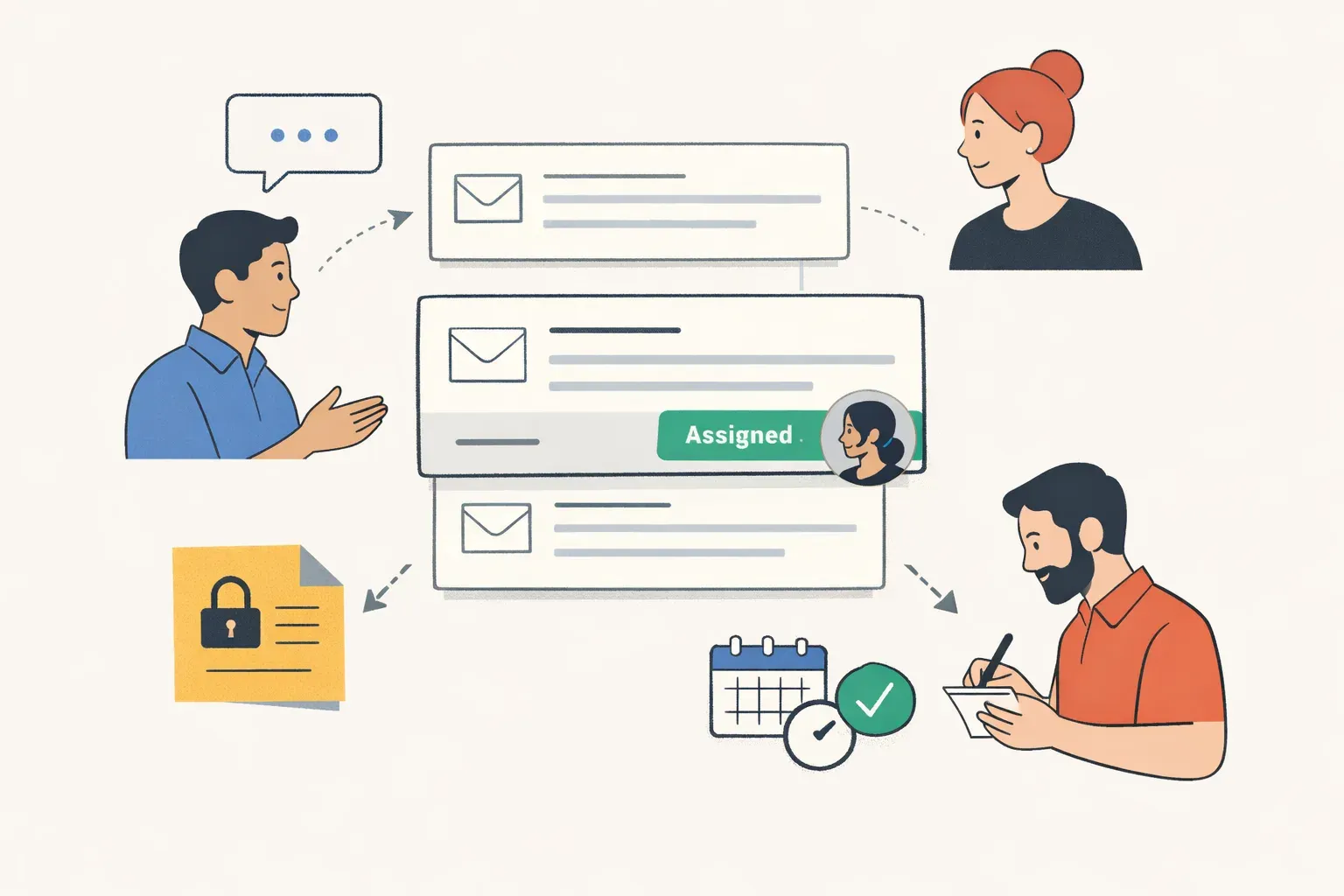
- Consider Helpmonks if assigning customer emails, adding team notes and follow-ups, and keeping conversation history and customer context together match the way your team works.
- Evaluate Help Scout and Front against the same live examples. Ask each vendor to demonstrate ownership, collaboration, SLA handling, customer context, and automation in the plan you would use.
- Compare other shared inbox tools such as Gmelius, Hiver, Missive, Zendesk, or Freshdesk only if they fit your requirements. Use the same questions and examples so the comparison stays consistent.
A short scorecard can keep the decision grounded. Mark each requirement as “works as needed,” “works with a limitation,” or “not confirmed.” Include the plan name, any configuration required, and the person who verified the workflow. This avoids treating an unconfirmed feature as a promise.
Before making a decision, also review how your team will handle ownership changes, absences, and follow-up. A shared inbox helps only when people can tell what has happened and who should act next. If those details are difficult to establish during a trial, ask for another demonstration using a real, representative conversation.
Questions to ask during a product trial
How should I compare Helpmonks, Help Scout, and Front?
Use the same customer conversation and task list in each product. Check ownership, internal collaboration, customer history, SLA handling, and any automation you rely on. Record the plan and configuration used for each test.
Does Helpmonks support shared inbox collaboration?
Helpmonks supports assigning customer emails, adding notes and follow-ups, and keeping conversation history and customer context together. Test these workflows with the inboxes and handoffs your team uses.
How can I compare SLA features?
Write down your response targets and the alerts or reports your team needs. Ask each vendor to show how those requirements work in the specific plan you are considering, and confirm any limits.
What should I test before choosing an email automation tool?
Choose one real process, such as routing an incoming message or organizing a follow-up. Verify the available trigger, action, setup requirements, and plan availability with each vendor.
The strongest choice is the one your team can use to make ownership clear, share the context needed to respond, and complete follow-ups without losing the thread. Compare Helpmonks, Help Scout, and Front against those concrete tasks, then confirm any SLA, channel, or automation requirement directly before committing.