
AI Agents for Email, Chat, and Support Ticket Workflows

An AI agent can read a customer request, decide what to do next, and take an action, such as answering a common question or updating a connected system. But automating a response is only part of support work. Teams still need to know who owns the conversation, what has already happened, and when a person should step in.
That is where the choice of workflow matters. An AI agent may handle a task, while a shared inbox gives the team a place to review, assign, and follow up on customer conversations. These approaches can work together, but they solve different problems.
What AI agents can automate in support
AI agents for email, chat, and support tickets are designed to handle steps that would otherwise require a person to read a message and act on it. Depending on the system and its connected tools, that could include interpreting a request, drafting a reply, finding an answer in a knowledge source, or triggering an action in another system.
The Viasocket roundup describes this category through examples of agents built to handle customer conversations and take action through integrations. It also points to operational oversight as a consideration for larger teams. Those are useful criteria to examine, but capabilities and integrations vary by product, so verify them with the vendor rather than assuming every agent can perform the same tasks. (Viasocket's overview of AI agents for support automation)
A useful first distinction is between generating a response and owning a customer issue. A generated answer might address a basic question. Ownership also means tracking responsibility, coordinating work, maintaining the conversation history, and checking that the customer receives a follow-up.
Match the automation to the work
Not every support request should be fully automated. Start by sorting work according to how predictable it is and what the cost of a mistake could be.
| Support task | Where automation may help | Human oversight to plan |
|---|---|---|
| Repeated, low-risk questions | Draft or provide an answer based on approved information | Review uncertain or unusual requests |
| Sorting incoming messages | Identify a topic or suggest a destination | Confirm the right team or owner |
| Requests requiring account changes | Gather details or prepare the next step | Approve sensitive or consequential actions |
| Billing, complaints, or exceptions | Summarize the conversation and relevant context | Keep a person responsible for the decision |
| Follow-up after a resolution | Prompt the next action or help prepare a reply | Make sure the issue is actually resolved |
The best early candidates are common requests with clear answers and few exceptions. A question about where to find a standard account setting is easier to automate than a message about an unusual invoice dispute. In the second case, a useful agent might summarize the thread for a teammate, while a person handles the decision and customer communication.
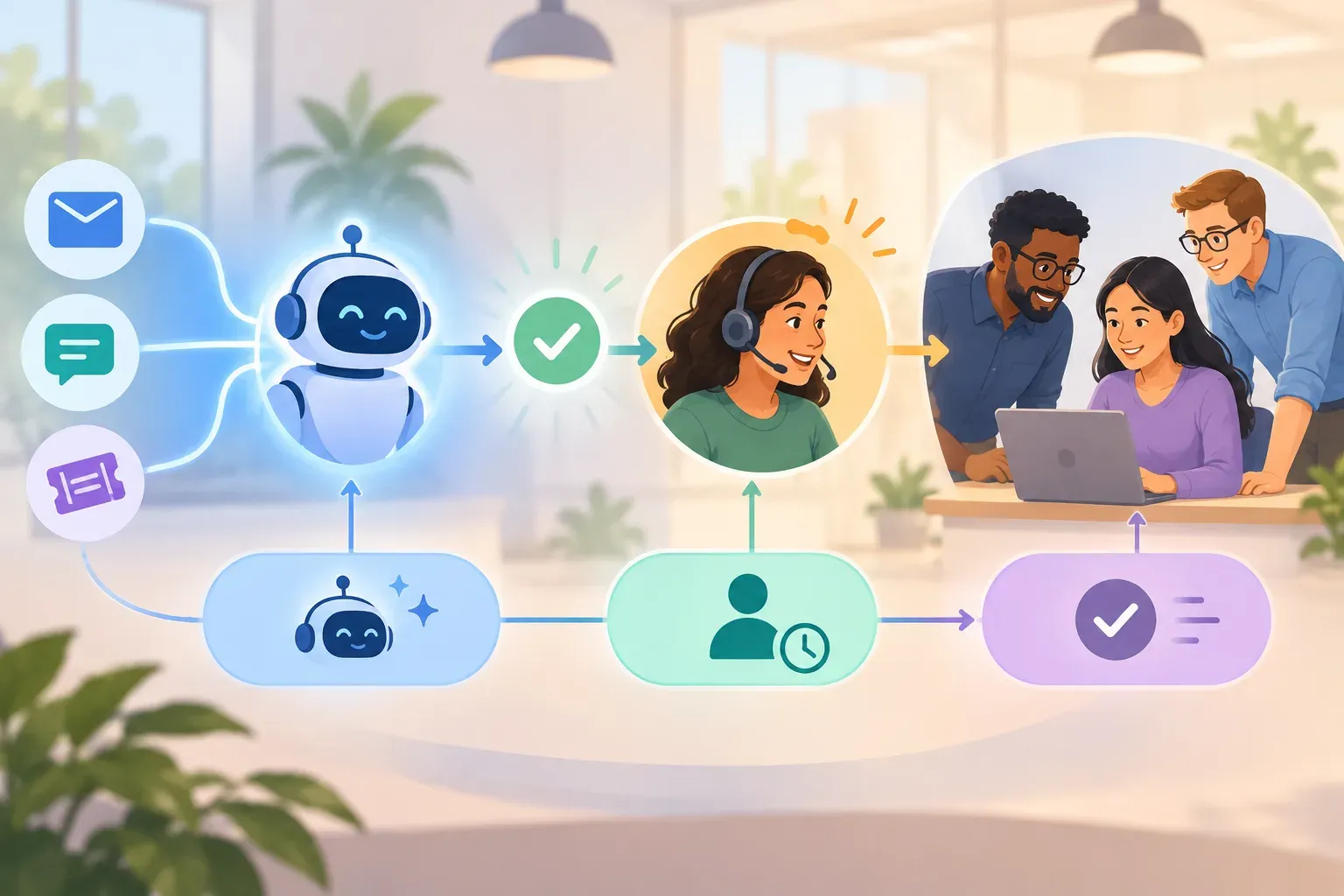
Email, chat, and tickets need different handoffs
The channel changes how a support interaction feels, but it does not remove the need for clear responsibility.
Email often contains several replies, attachments, and follow-up questions. Automation can help classify a message or prepare a draft, but the team needs the full thread and customer context before responding. If an agent cannot confidently resolve the issue, the handoff should include what the customer asked and what has already been tried.
Live chat tends to move quickly. A bot or agent can be useful for an immediate answer, but customers need a clear route to a person when the issue is outside the agent's scope. The team should know who takes over and what details carry into that conversation. Do not treat an automated chat answer as a resolution unless the customer's issue has been addressed.
Support tickets usually involve a defined issue that may need several steps or teammates. Automation might help organize information or suggest what to do next. A person still needs to own the case, keep the customer updated, and confirm completion. Ticket status alone is not a substitute for a clear next action.
Across all three channels, aim for one coherent record of the conversation. If a customer has to repeat the same details after a handoff, automation has reduced one task but added friction elsewhere.
Keep a shared inbox in the workflow
An AI agent and a shared inbox are not interchangeable. The agent performs or proposes tasks; the shared inbox helps a team manage customer communication together.
In Helpmonks, teams can assign customer emails, collaborate with internal notes and follow-ups, and keep conversation history and customer context in one place. That can support a human-led process around automation: a teammate reviews an incoming request, assigns ownership, adds a note for the next person, and follows up in the customer conversation.
For example, imagine a customer emails about a charge that does not match their order. An agent might help summarize the thread or prepare a draft if the relevant information is available. The support team still needs to review the details, decide who handles the case, communicate any next steps, and return to the customer after the issue is checked. A shared inbox helps keep that work visible to the team instead of leaving the conversation in one person's mailbox.
See how Helpmonks supports shared customer communication and the practical considerations in this guide to email ticketing systems for support teams.
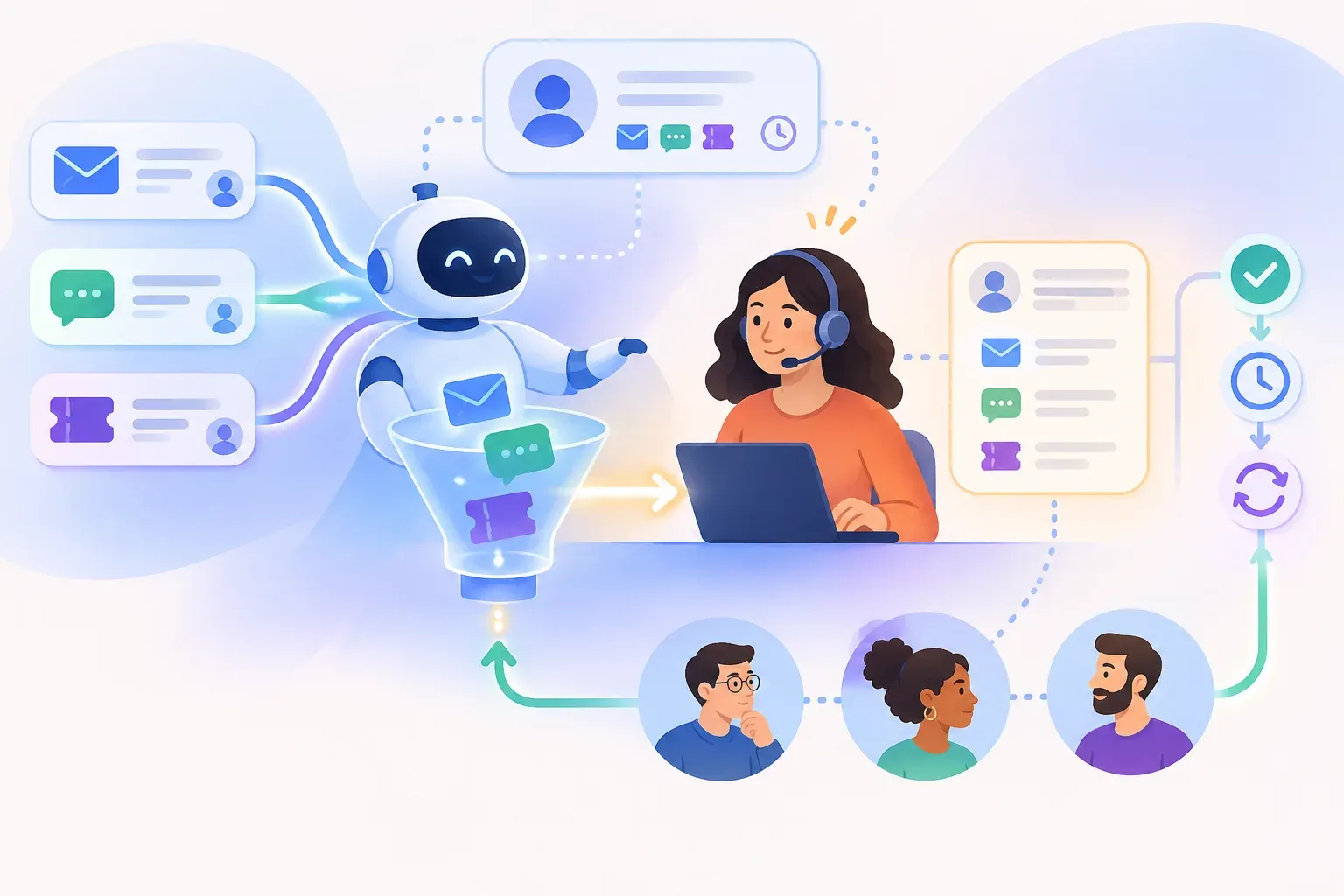
Design a reliable human handoff
A handoff should transfer context and responsibility, not just move a conversation to a different queue. Before deploying an agent, decide what information a teammate needs to take over without starting from scratch.
A useful handoff includes:
- The customer's request: Keep the original message or a faithful summary available.
- What the agent did: Show any answer, lookup, or action already completed.
- What remains unresolved: State the open question or decision that requires a person.
- Who owns the next step: Assign a teammate or team rather than leaving the conversation unclaimed.
- When to follow up: Set a clear expectation for the next customer update.
Define the conditions that trigger a handoff before turning on automation. These may include low confidence, missing information, a customer asking for a person, a complaint, or a request that requires approval. For time-sensitive work, make the expected response window clear to the team and review conversations that are waiting too long.
Measure outcomes beyond automated replies
A high number of automated responses does not show whether customers got help. Evaluate the workflow by checking whether requests are resolved accurately and whether handoffs reach the right person.
Review a sample of conversations and ask:
- Did the response address the customer's actual question?
- Was the information accurate and appropriate for that case?
- Did the agent take an action that should have required approval?
- Could the teammate understand the handoff from the conversation history?
- Was the customer updated when the issue needed more time?
- Did the interaction end with a clear resolution or next step?
Use these reviews to improve the workflow. If the agent repeatedly misses the same detail, the issue may be unclear instructions, incomplete source information, or an unsuitable task for automation. If customers are being passed between people, the team may need clearer assignment rules.
When to use AI agents, a shared inbox, or both
Use an AI agent when a task is repeatable, the information it needs is available, and the consequences of an error are manageable. Keep a person involved when the request is unusual, sensitive, or dependent on judgment.
Use a shared inbox when several teammates handle customer email and need to coordinate ownership, notes, follow-ups, and conversation context. Use both when automation can assist with predictable steps while a team remains accountable for customer communication and exceptions.
The practical test is straightforward: can the workflow show what happened, who owns the next step, and how the customer will be updated? If not, automate less and make the handoff clearer before expanding the agent's role.