
Freshdesk vs Zendesk: A 2026 Comparison for Support Teams

A support platform can look good in a demo and still create friction when a request moves between teams. The practical test in a Freshdesk vs Zendesk comparison is not only what each plan costs. It is whether agents can take ownership, find the customer’s history, coordinate a handoff, and keep the next action clear.
Freshdesk and Zendesk are both established support platforms, but their plans, included features, and add-on costs can change. Rather than rely on a static feature checklist, compare the workflows your team uses and confirm current details with each vendor. If your work is mostly shared customer email, include a shared inbox such as Helpmonks in the evaluation too. It is built around coordinating email conversations, rather than replacing every help desk workflow.
For a separate perspective on the Freshdesk and Zendesk matchup, see Hiver's 2026 comparison.
Freshdesk vs Zendesk at a glance
| What to compare | Freshdesk | Zendesk | What your team should verify |
|---|---|---|---|
| Support workflow | Assess the ticketing workflow and the features in the specific Freshdesk product and plan you are considering. | Assess the ticketing workflow and the features in the specific Zendesk product and plan you are considering. | Can an agent assign, update, prioritize, and hand off a request without losing its history? |
| Channels | Confirm which channels are included in your selected product and plan. | Confirm which channels are included in your selected product and plan. | Can your team manage its real mix of email, chat, and other support channels in one workflow? |
| Automation and AI | Check which automation and AI functions are included, and whether use is subject to limits or added charges. | Check which automation and AI functions are included, and whether use is subject to limits or added charges. | What happens when automation cannot answer or route a request correctly? |
| Team coordination | Test how agents collaborate on tickets and share context internally. | Test how agents collaborate on tickets and share context internally. | Is ownership clear, and can a second team contribute without confusing the customer? |
| Pricing | Calculate the cost for the required plan, seats, and extras. | Calculate the cost for the required plan, seats, and extras. | What will the full bill look like at your expected team size and usage? |
This is a comparison framework, not a claim that the products include identical features. Availability and pricing depend on the product, plan, contract, and usage terms. Ask vendors to demonstrate the exact functions you need.
Compare how work moves between teams
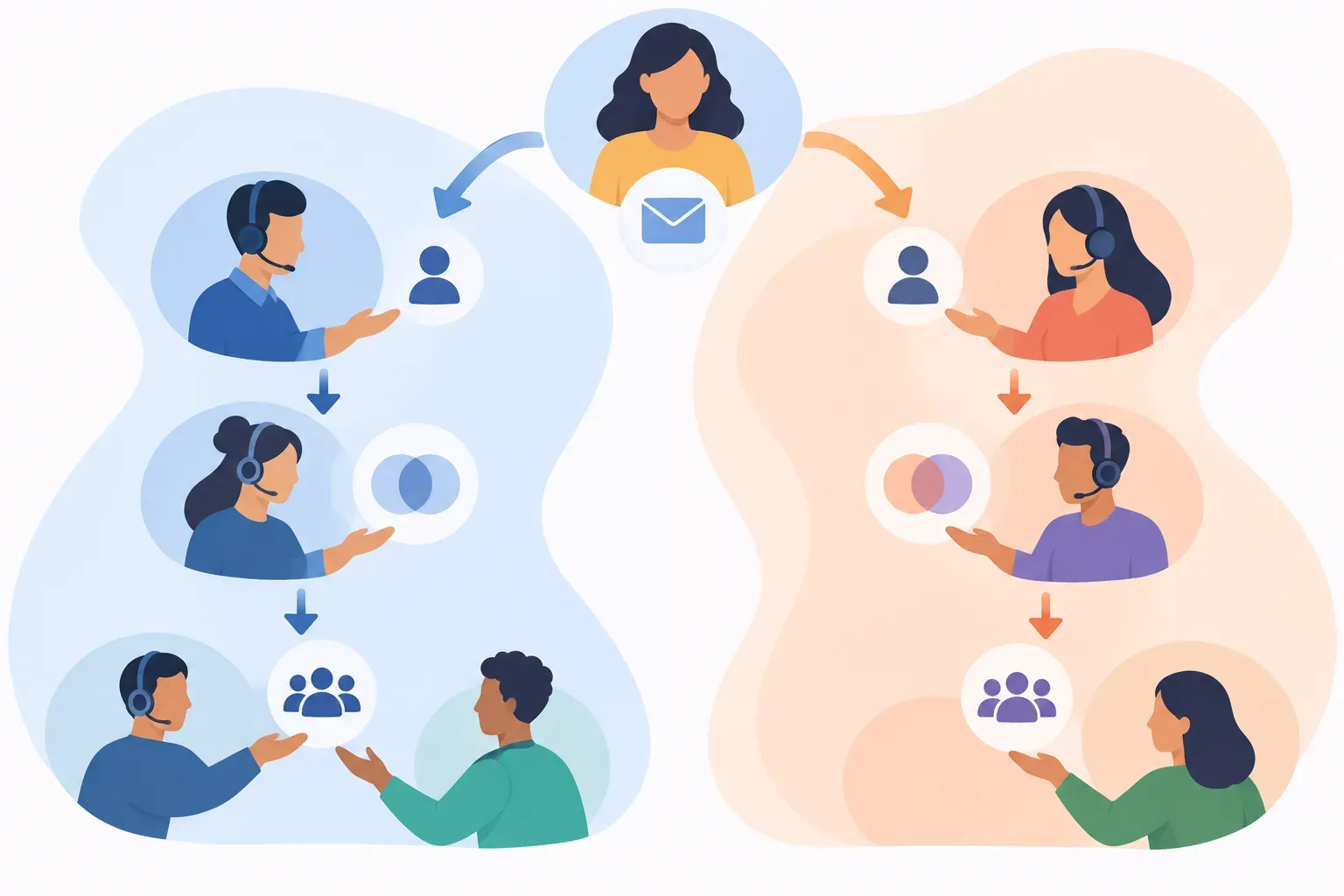
A conversation that starts with customer support may need help from billing, product, or operations. If the platform makes that handoff awkward, the customer may have to repeat details, or the original agent may lose track of who is responsible for replying.
Run the same example through both products during a trial:
- Receive a request: Send a test email to the support address. Check whether the right team can find it and see relevant customer history.
- Assign an owner: Assign it to one person, then check how clearly that ownership is shown to other agents.
- Bring in another team: Add an internal update or hand off the request. Confirm that the receiving team can understand the issue and its next step.
- Continue the conversation: Reply to the customer, then check whether the full exchange remains easy to review.
- Track a follow-up: Set a reminder or follow-up, if available, and confirm what happens if the owner is unavailable.
Use real examples where a request crosses departments, not only simple questions that one agent can resolve. A platform’s handling of ownership and handoffs can matter more to daily work than a long list of features. Helpmonks’ guide to avoiding double replies in a shared inbox covers the same basic coordination problem: make ownership and the next response clear.

Compare price beyond the per-agent rate
A starting price does not tell you what the support workflow will cost at your expected team size. For both Freshdesk and Zendesk, ask for a quote based on the number of agents, products, channels, and features you intend to use.
Check:
- Which plan includes the required channels, reporting, automation, and service-level tools?
- Are AI features included, sold as an add-on, or billed according to use?
- Do occasional collaborators need paid seats?
- Are there minimum seat counts, annual billing requirements, or usage limits?
- What happens to your bill if ticket volume or AI usage grows?
- Which data migration or setup costs should you budget for?
Make a simple estimate using your current team and a realistic growth scenario. For Zendesk, Helpmonks has a separate breakdown of plans, AI fees, and team costs. Confirm all figures against a current quote before deciding. The same principle applies to Freshdesk: check the current plan terms rather than assuming that a listed starting price includes every feature your team needs.
Test AI on real support requests
AI can help with customer support, but a polished answer to a straightforward question is only one part of the job. Test how each platform handles an incomplete request, an exception, and a conversation that needs a person to review the details.
For each product, ask:
- Can the tool help an agent understand a long conversation or prepare a reply?
- Can your team review and edit AI suggestions before they reach the customer?
- How are uncertain answers, escalations, and requests involving multiple teams handled?
- Which knowledge or customer data does the AI use?
- Are usage limits, data handling, and charges clear for your account?
Keep a person responsible for decisions that require judgment or customer-specific context. During a trial, record whether AI saves steps without hiding who owns the conversation or what the team needs to do next. If you are comparing AI as part of a broader support workflow, review the product details and controls on Helpmonks’ AI page.
When a shared inbox may fit better
A full help desk is useful when your support operation needs its structured ticket workflows and channel coverage. But some teams handle most customer requests through email and need a clear way to coordinate replies, not a larger service platform.
Helpmonks is an option to assess for that narrower workflow. Teams can assign customer emails, collaborate with notes and follow-ups, and keep conversation history and customer context together. It is not a like-for-like replacement for every Freshdesk or Zendesk setup. If you need specific channel support, SLA controls, reporting, or integrations, confirm those requirements directly before comparing.
A useful way to decide is to ask how much of your work happens in shared email and how much depends on structured service workflows across channels. If you need both, test how the tools fit with your other systems and whether context carries across the handoff. You can also compare other support tools in Helpmonks’ roundup of email ticketing systems for support teams.
Which should you choose?
Choose between Freshdesk and Zendesk based on the workflow your team must run, not a general claim that one product is cheaper or easier. Put your must-have channels, collaboration steps, integrations, AI controls, and total expected cost on one checklist. Then test both products with the same sample conversations.
- Choose Freshdesk if its current plan and workflow match your requirements and the full quote works for your team.
- Choose Zendesk if its current plan and workflow match your requirements and the full quote works for your team.
- Consider Helpmonks if the core need is shared customer email, with clear assignment, internal collaboration, follow-ups, and customer context.
A useful trial should show who owns each conversation, what happens when work crosses departments, and how the customer’s history stays available. If agents can handle those ordinary moments without confusion, you have a better basis for choosing than a feature list alone.
Frequently asked questions
Is Freshdesk cheaper than Zendesk?
It depends on the plans, seats, add-ons, and usage your team needs. Compare full quotes for the same requirements, including AI charges and any channel or reporting features that are not part of the base plan.
What should I test in a Freshdesk vs Zendesk trial?
Use the same real support scenarios in both trials. Test assignment, internal collaboration, handoffs, customer history, automation, AI review, and follow-up tracking. Include a request that needs another department’s help.
Is Helpmonks a Freshdesk or Zendesk alternative?
Helpmonks can be an alternative to assess when the main need is coordinating customer email in a shared inbox. It is not a like-for-like replacement for every help desk or omnichannel setup, so verify channel, SLA, reporting, and integration requirements before choosing.